

Skip to content
View in the app

A better way to browse. Learn more.

ipsProArcade

A full-screen app on your home screen with push notifications, badges and more.

To install this app on iOS and iPadOS
  1. Tap the Share icon in Safari
  2. Scroll the menu and tap Add to Home Screen.
  3. Tap Add in the top-right corner.
To install this app on Android
  1. Tap the 3-dot menu (⋮) in the top-right corner of the browser.
  2. Tap Add to Home screen or Install app.
  3. Confirm by tapping Install.

Munnster

Donators
  • Joined

  • Last visited

  1. Munnster replied to Munnster's topic in Our Pets
    Dave After Being out on the tiles all night and then Being Cat nipped.😊
  2. smoke on the water (Deep Purple)
  3. Munnster replied to Munnster's topic in Our Pets
    Pretty Much
  4. Munnster replied to Munnster's topic in Our Pets
    Dave On Safari
  5. Munnster replied to Munnster's topic in Our Pets
    A very tame Fox appeared in my garden yesterday evening.
  6. I enjoyed my conversations with Tipper too, along with Pinky & Blue, we had some great discussions on various topics both serious and humorous. we only knew her online but she will be sadly missed.
  7. Legion, am so very sorry to hear your sad news, my thoughts and prayers are with you and your family at this terribly sad time. RIP Tipper.
  8. Munnster replied to Munnster's topic in Our Pets
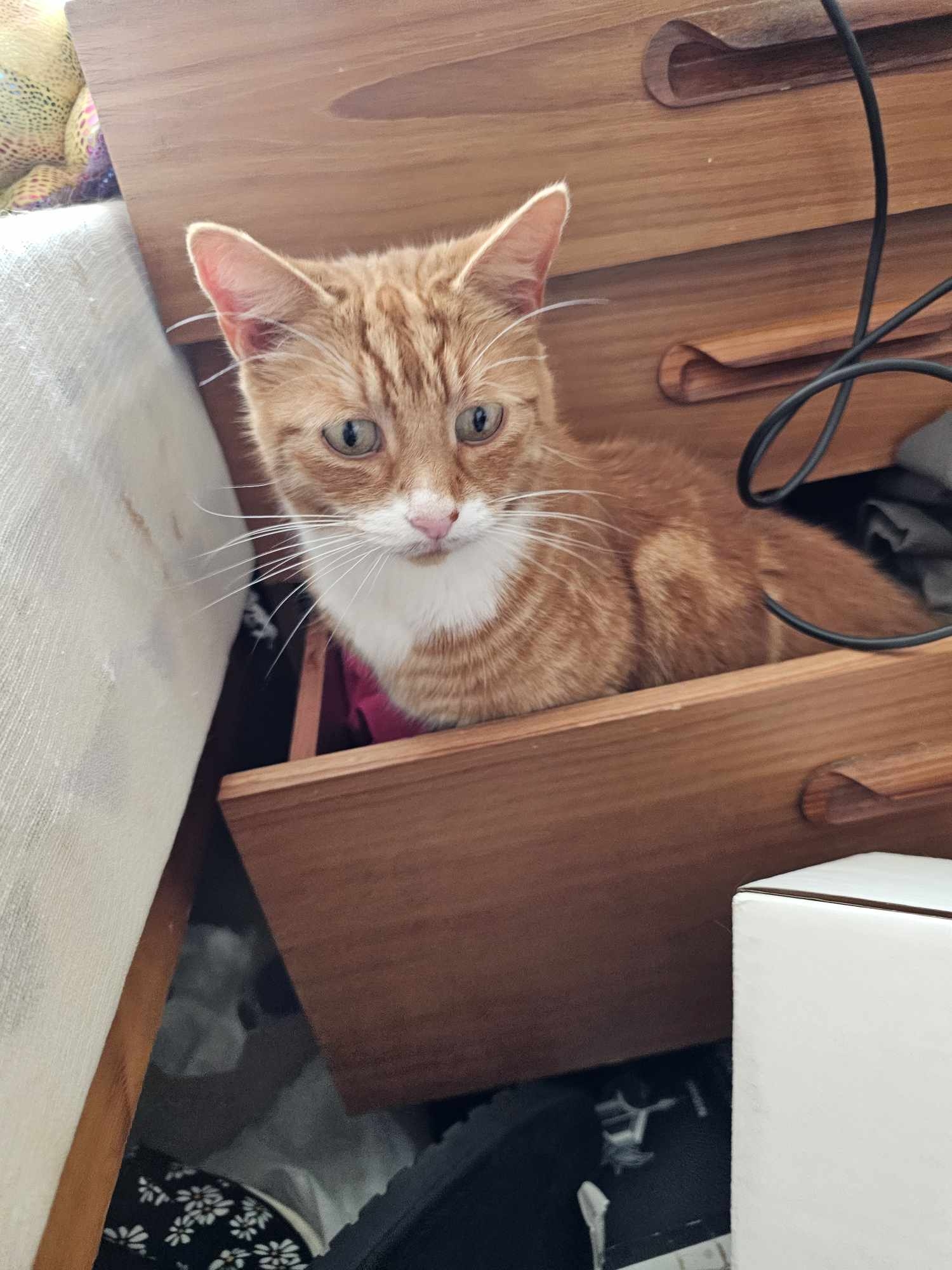
    Typical ginger - can be very moody
  9. Munnster replied to Munnster's topic in Our Pets
    Dave In Wrecking Mode
  10. Munnster replied to Munnster's topic in Our Pets
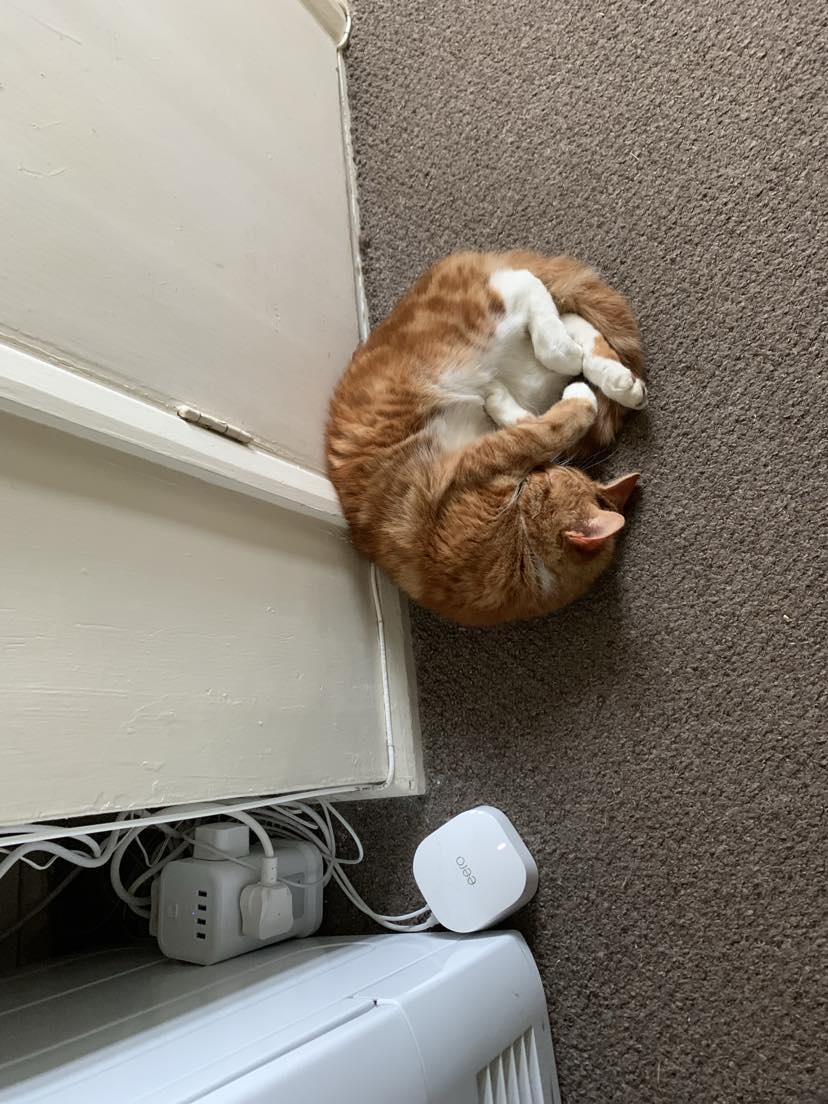
    Dave sleeping
  11. Munnster replied to Munnster's topic in Our Pets
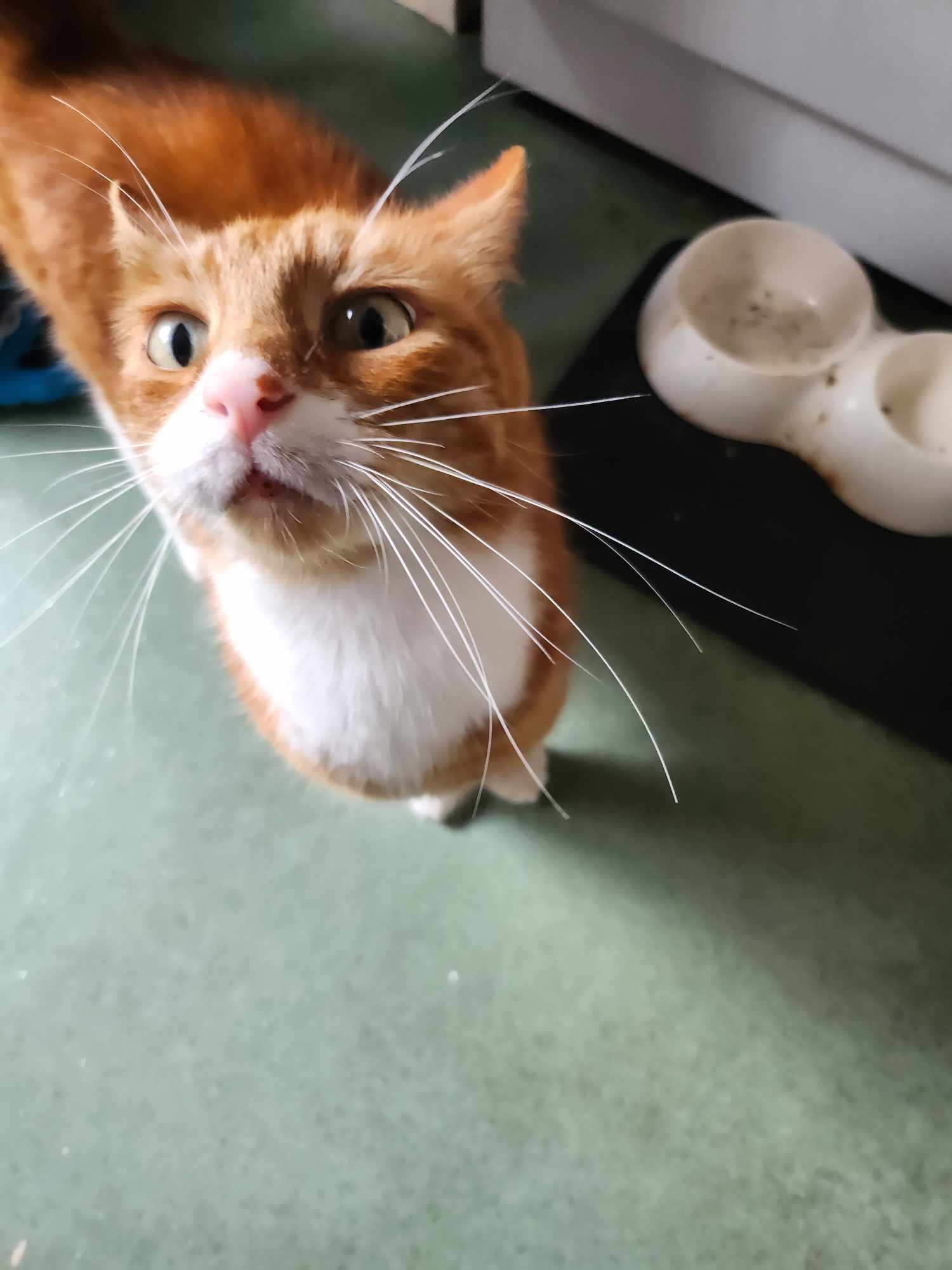
    Dave unhappy his Breakfast isn't ready
  12. Munnster started following Pets and Pets
  13. Munnster replied to Pinky's topic in Our Pets
    interesting idea, was it expensive?
  14. Pet

    Munnster replied to Tpzblue's topic in Our Pets
    What a lovely creature
  15. Munnster replied to Munnster's topic in Our Pets
    back legs like a Rabbit, we called him thumper when he was a Kitten.

Loading crossword puzzle. One moment please.

Account

Navigation

Search

Search

Configure browser push notifications

Chrome (Android)
  1. Tap the lock icon next to the address bar.
  2. Tap Permissions → Notifications.
  3. Adjust your preference.
Chrome (Desktop)
  1. Click the padlock icon in the address bar.
  2. Select Site settings.
  3. Find Notifications and adjust your preference.