
bosss
 VIP+
VIP+
-
Joined
-
Last visited
Everything posted by bosss
-
You should test with Swedish Windows 10 pro 😀 - I use default IPS theme and no problems there!
-
I use also Layout 2 and cleared cache - same result Tested in Chrome - ok
-
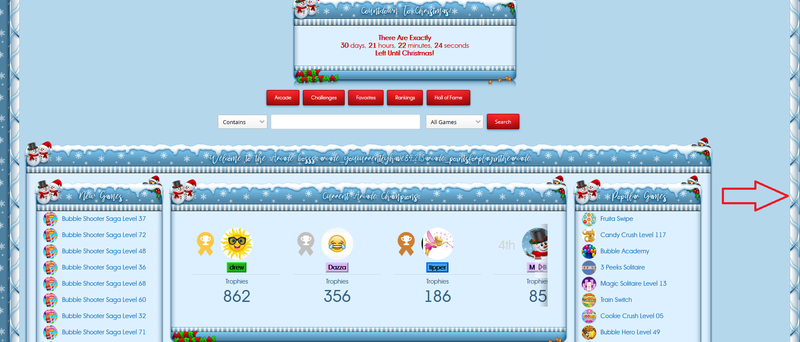
Whole arcade home is left in my browser - FF 70.0.1
-
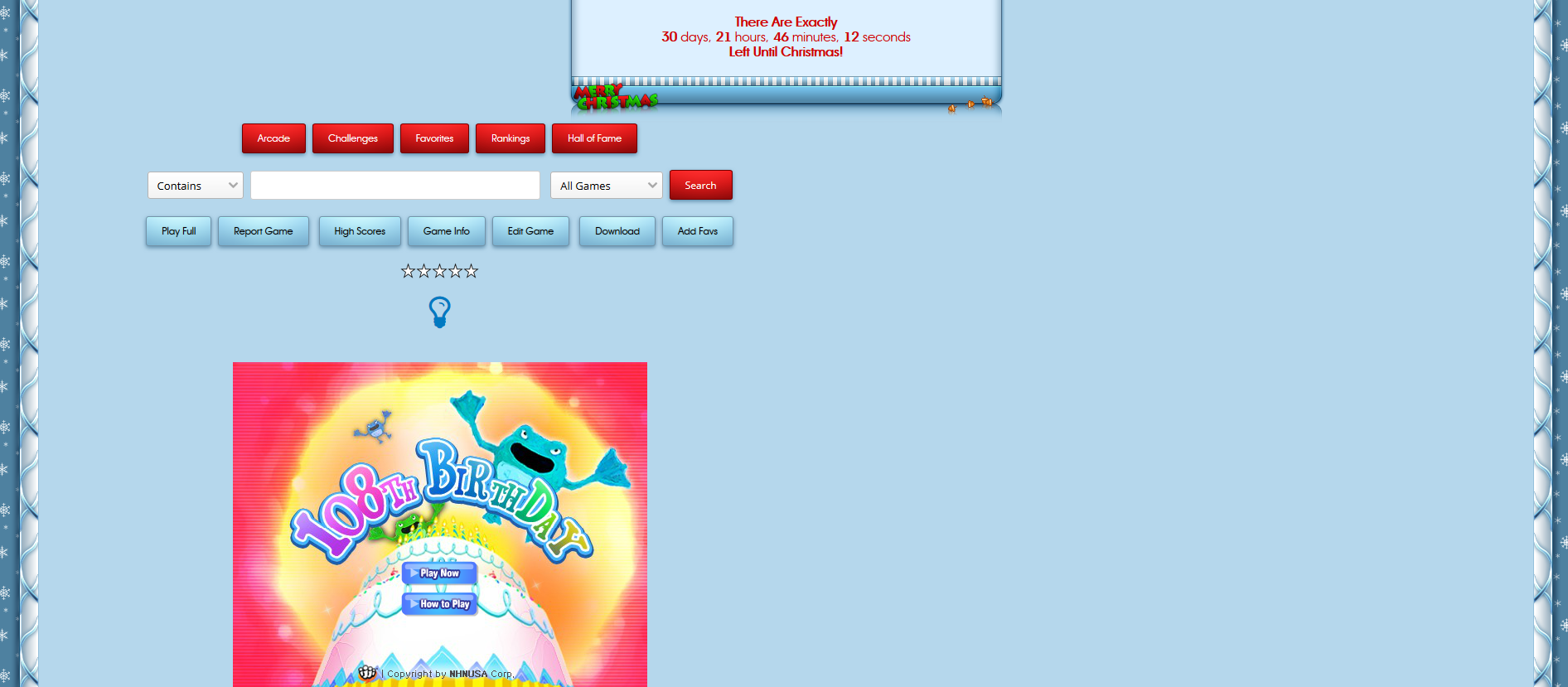
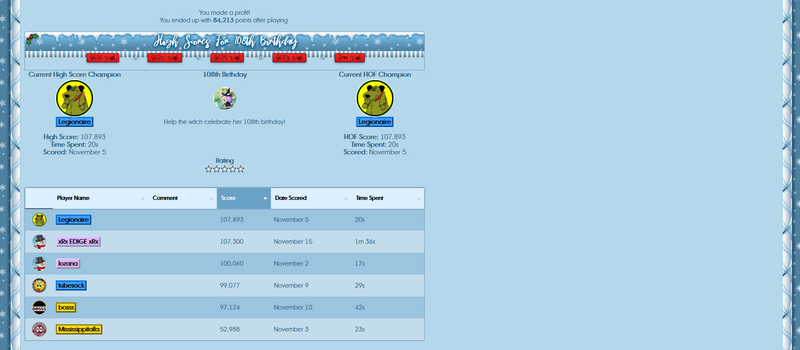
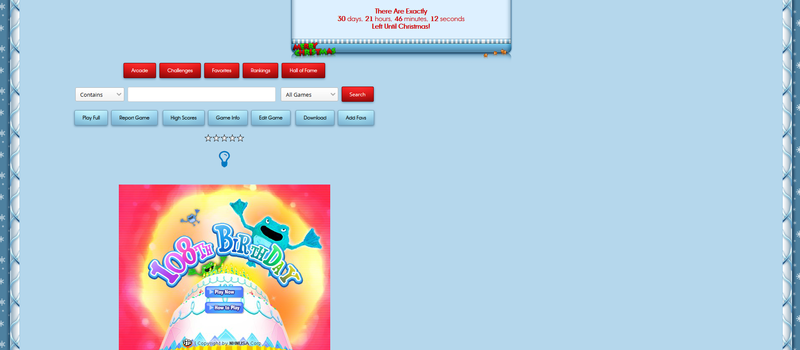
When play game - game is on left side submiting score also use layout 2 see picture
-
Layout 1 works only image but no username
-
I use Alternative Layout 2 and every theme is ok - but those 2 IBTheme not! no images and no usernames who made highscore!
-
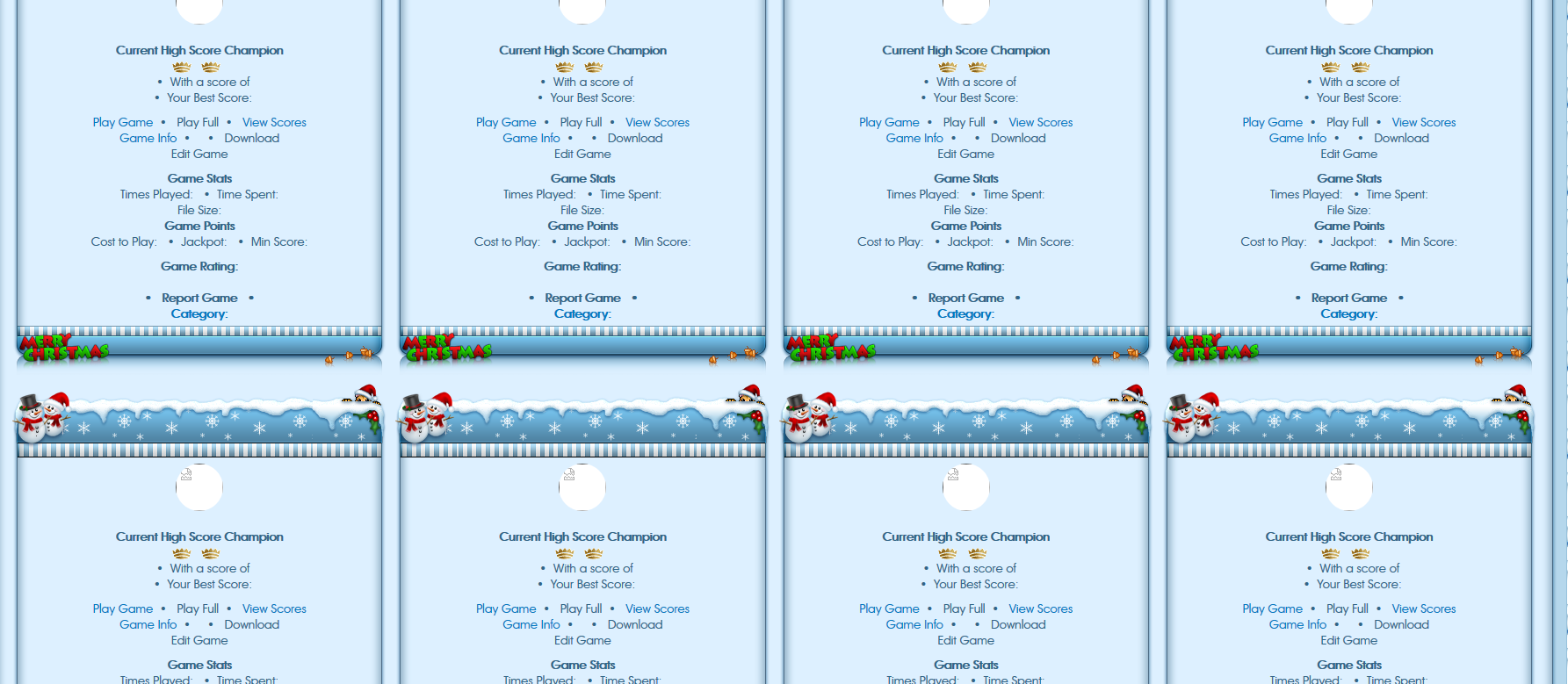
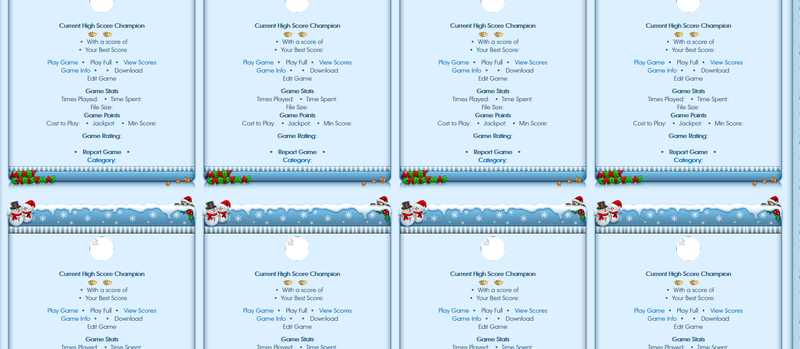
I see arcade home like in attached picture
-
tried and works perfect!
-
-
Can we get this possibility please - only for 5 minutes? I can not edit my posts efter submiting.
-
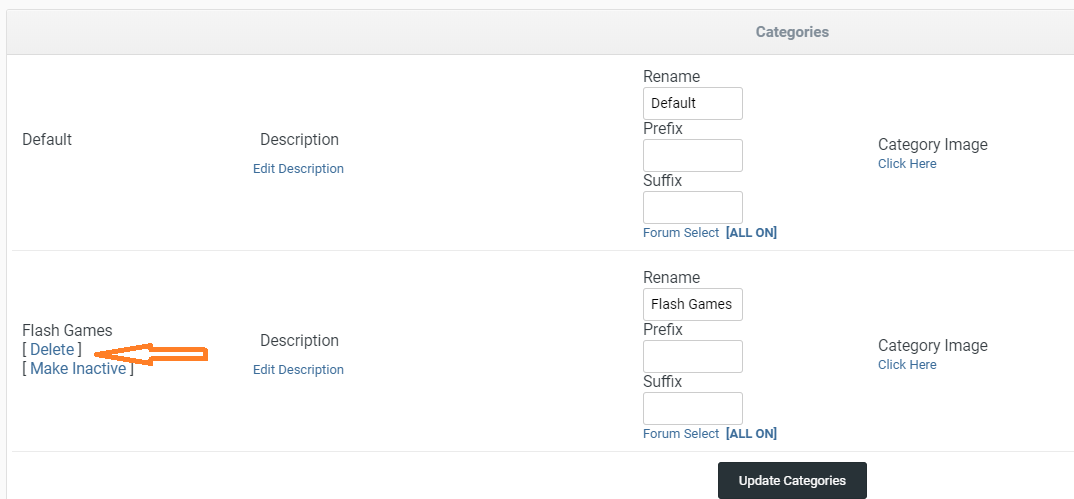
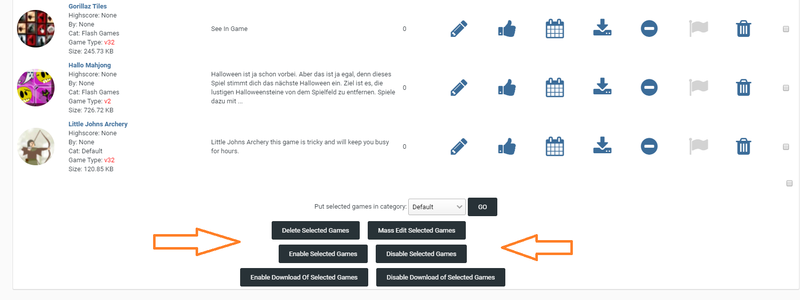
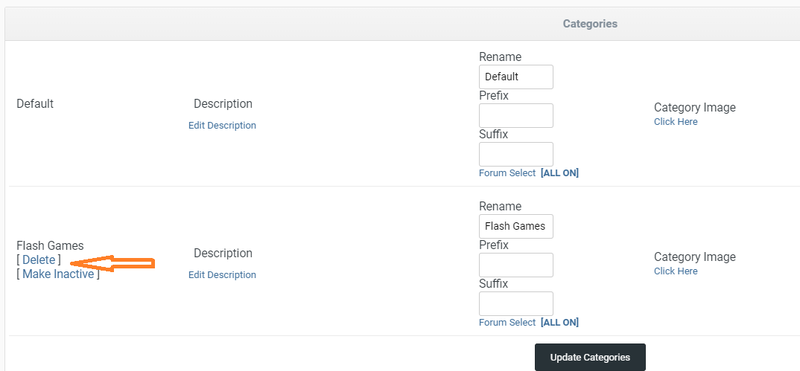
You have tools in ACP to remove games and categories. Default category you can not remove. Database (arcade) you can clean with phpmyadmin.
-
IPS 4.4.8 has been released and fix's a SQL injection in 4.4.7 - before had 300mb database and after upgrade 45mb.
-
Maybe yes maybe no, but you have here nothing from IPS - no recent topics/posts, no status updates, no pages, no gallery etc...
-
Yesterday many times and today too - bad advertising for ipsproarcade. see picture

-
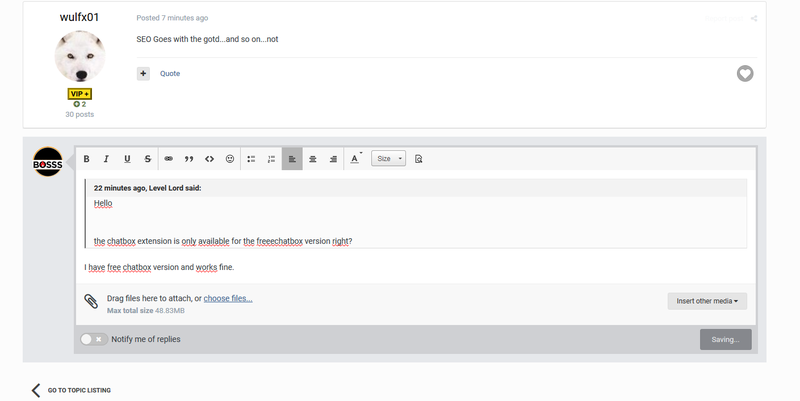
i do not know why - but board is very slow and taked 2 min to add reply or come back to forums ....
-
-
A black man talks to a white man: When I was born I was black, When I grew up I was black, When I'm sick I'm black, When I go in the sun I'm black, When I'm cold I'm black, When I die I'll be black. But you: When you're born you're pink, When you grow up you're white, When you're sick, you're green, When you go in the sun you turn red, When you're cold you turn blue, and when you die you turn purple. And you have the nerve to call me colored!!!
-
Now works - Thanks! Same - never see name who reacted/liked in my notifications
-
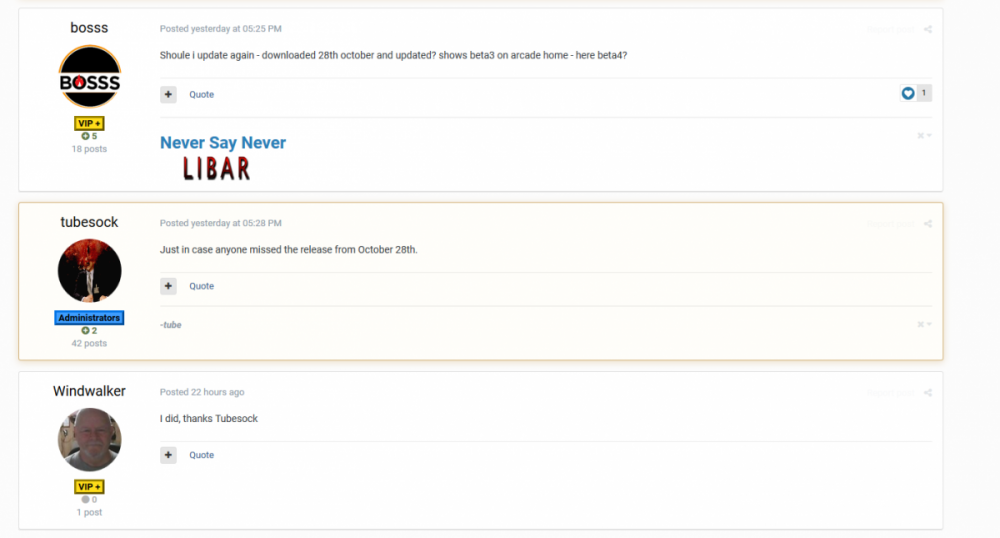
This is how i see posts - made screenshot - for one min ago
-
still work not and see not
-
I do not see them and in posts who liked - see but can not use. Maybe is group setting? Also shoud be ok that you open one forum for Board support - Likes and Thanks are not Arcade support section. regards bosss