bosss
 VIP+
VIP+
-
Joined
-
Last visited
Everything posted by bosss
-
Welcome NG! Hope that new Arcade will be for IPS v4 and V5 regards Bosss
-
I do not like att every week come beta 1 ...beta 2... beta 3 and final ...and after 2 weeks again and again ...i do not like that (tired) mean v5 Before i used vBulletin v3 - v4 - v5 (stopped) with vBulletin because developer of Arcade stopp and no more arcade - but IPS have good and nice Arcade - and i am on IPS because of that! Now i know that will not be in v 4 ....new beta every week ... and must say v4 works fine! (for me). Now made my main site to v4 and test site v5
-
RIP Tipper. My friend - my condolences to you and your family.
-
Happy Birthday Glen.!
-
Not more now! Closed!
-
Have you some news and prices? Must all move to Cloud?
-
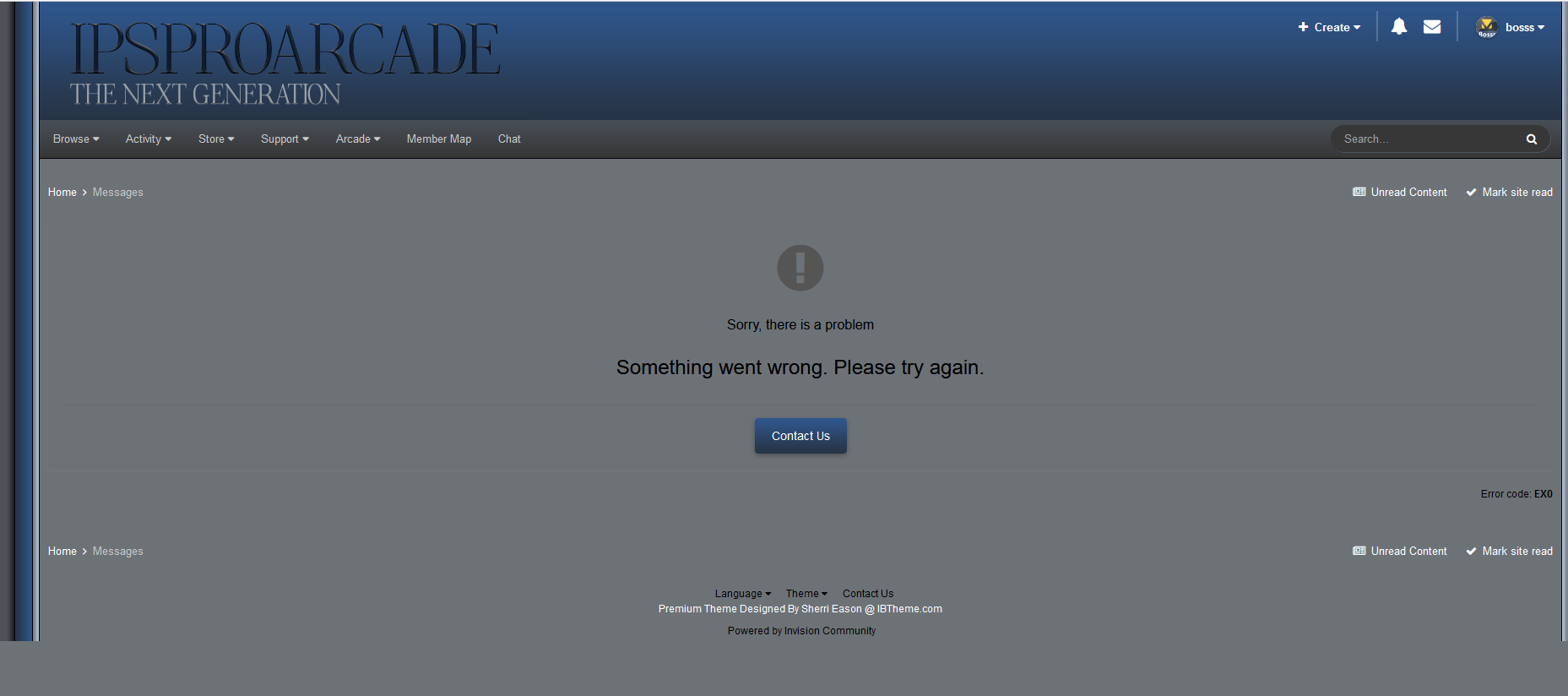
Same error again when sent message - try my nick
-
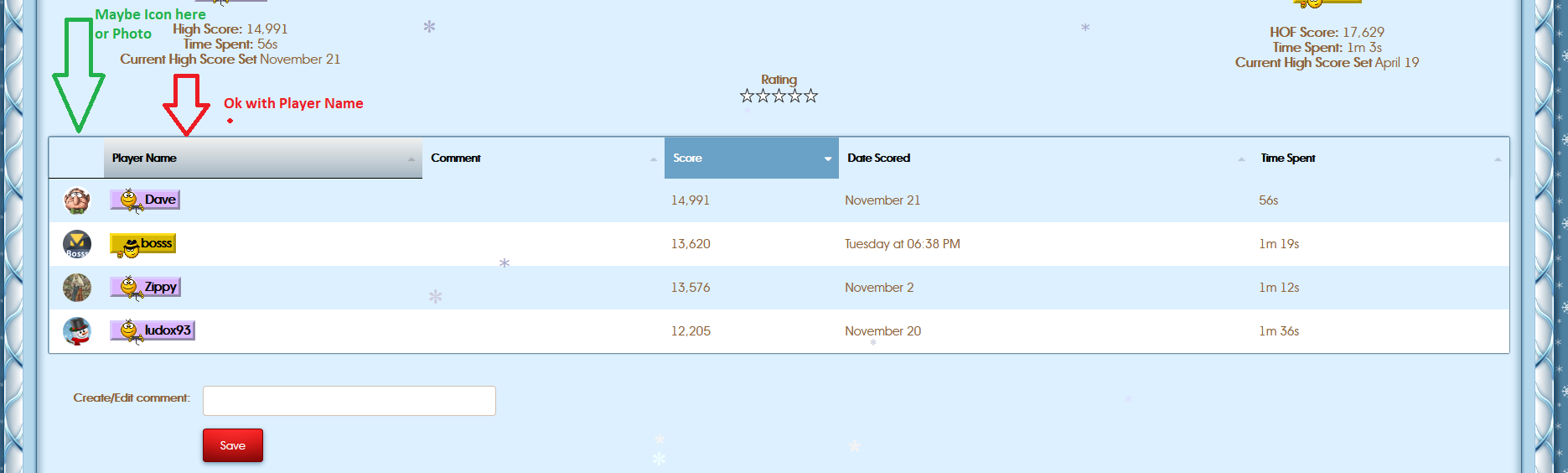
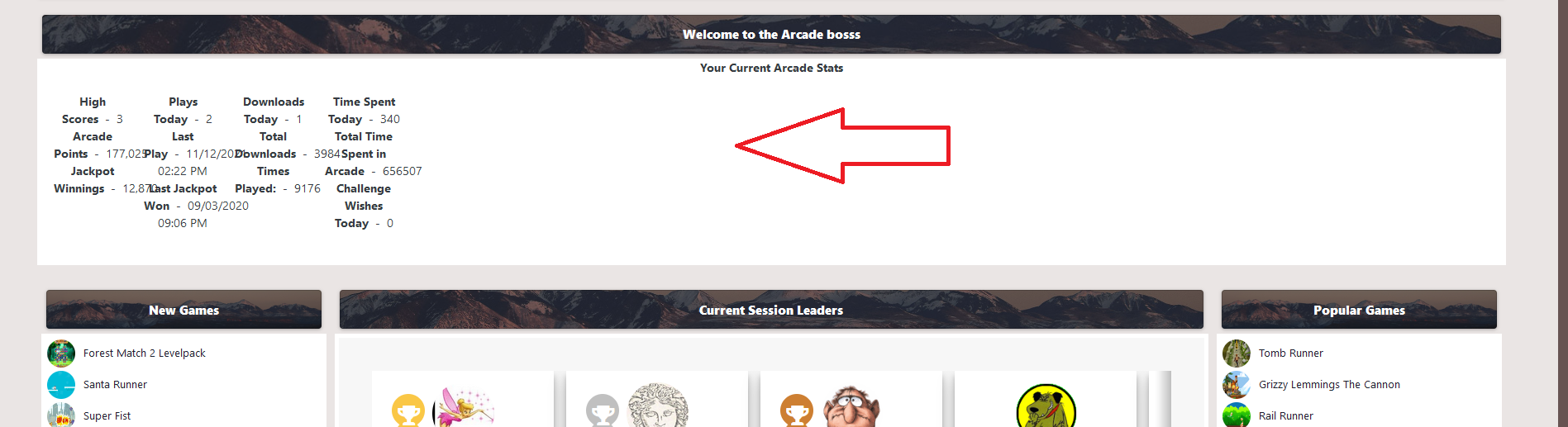
Do not know how - seems message runto sort icons can be nice but black line resolved was nice!@Legionaire maybe - Photo / Player Name - and more put not empty "box"
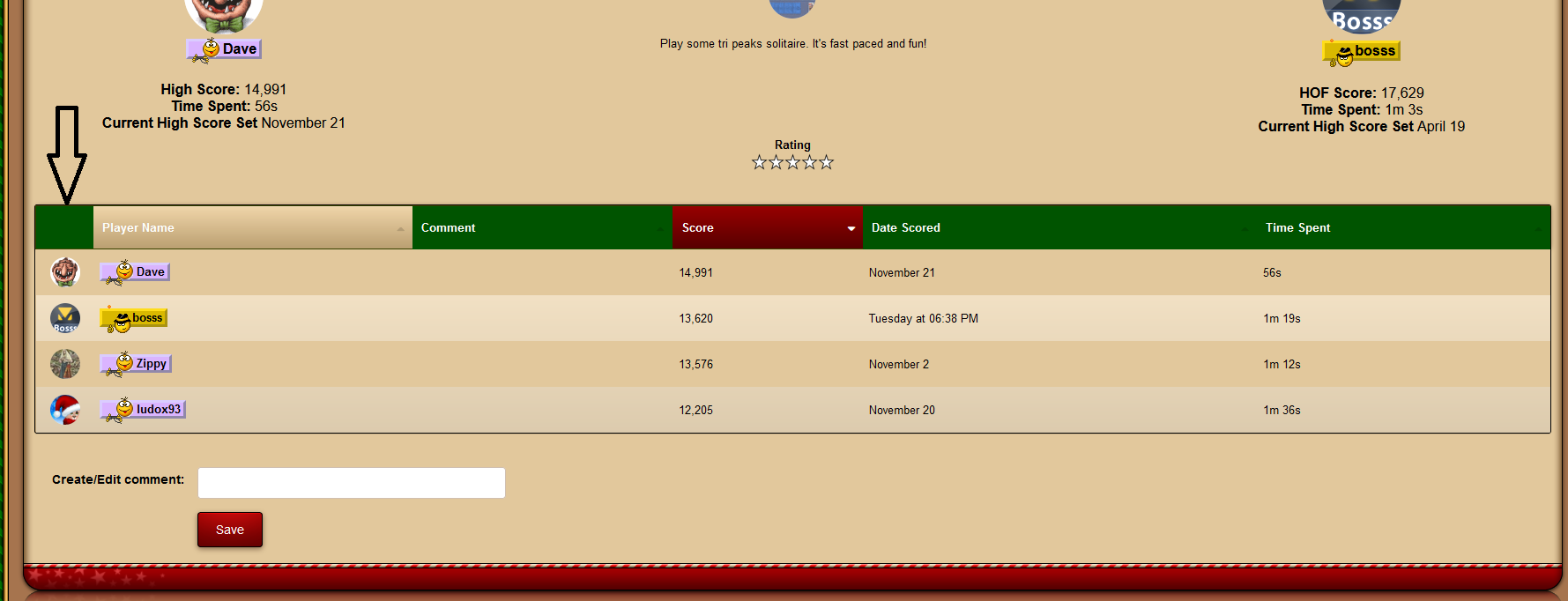
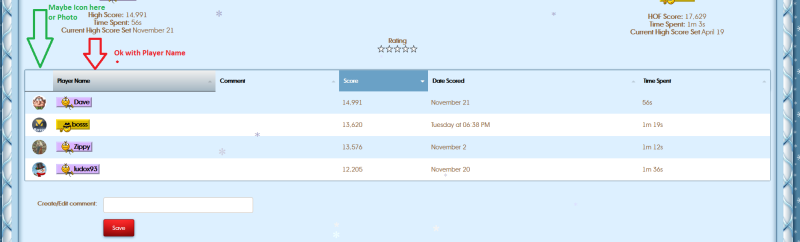 But under are members icons, not in same on pictures is some "grap"All skins have miss in all code <th class=" " data-key="photo"> </th> Problem in arcade
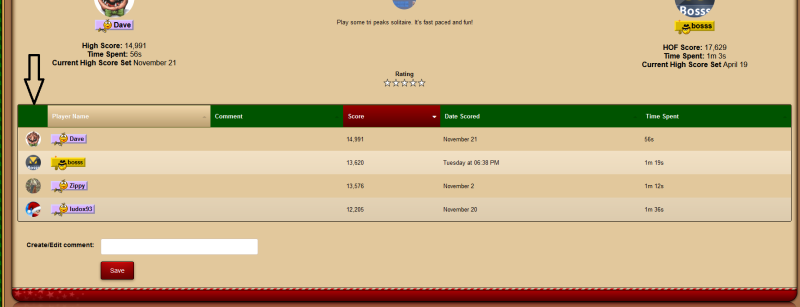 @Legionaire Not wrong - but my eys see same problem on my site Attached image
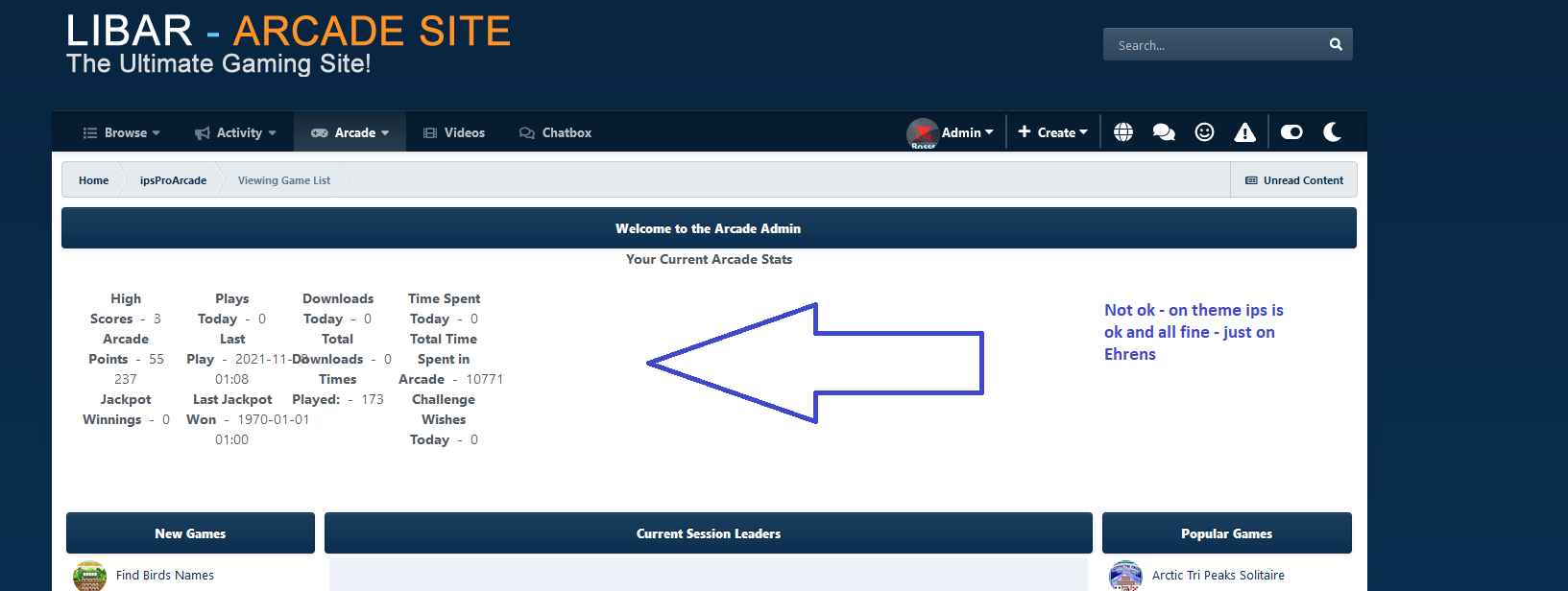
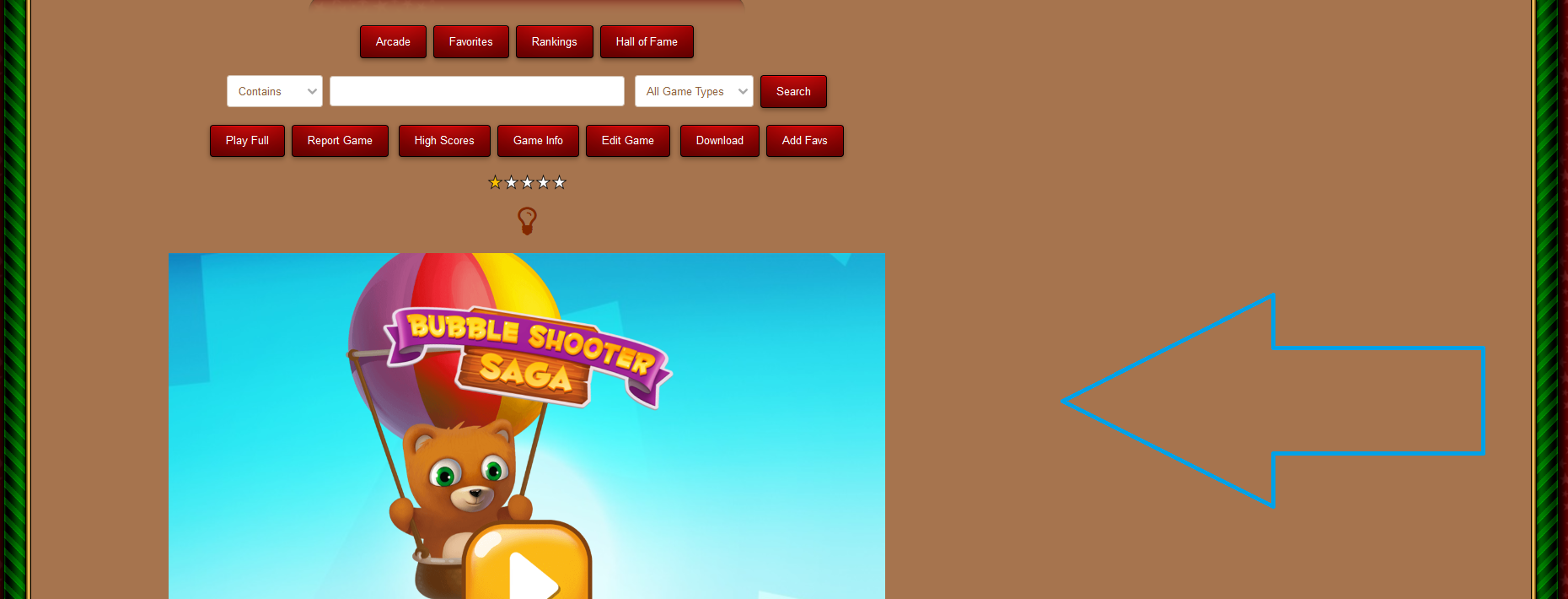
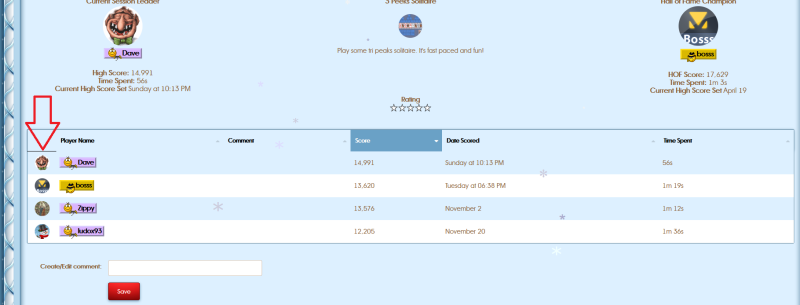 I see - can you 3 more? Asked Ehran buy no answer yet!Arcade 1.1.3 Default IPS - not ok see Ehans ok not ok And what are settings ? see @Legionaire please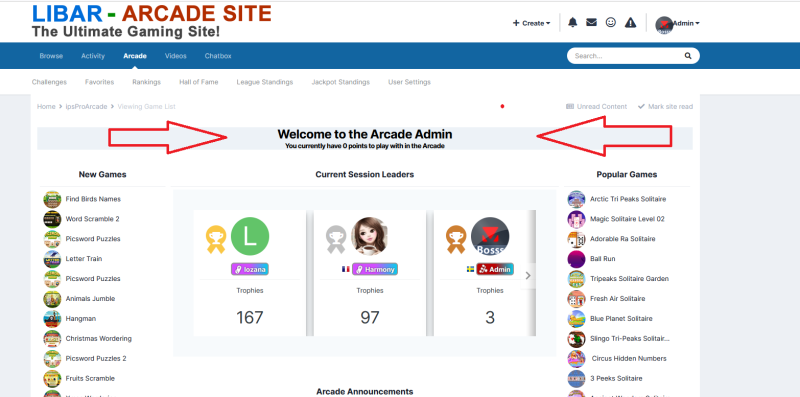
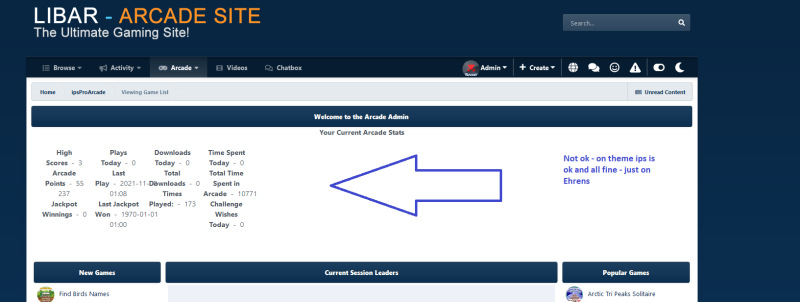
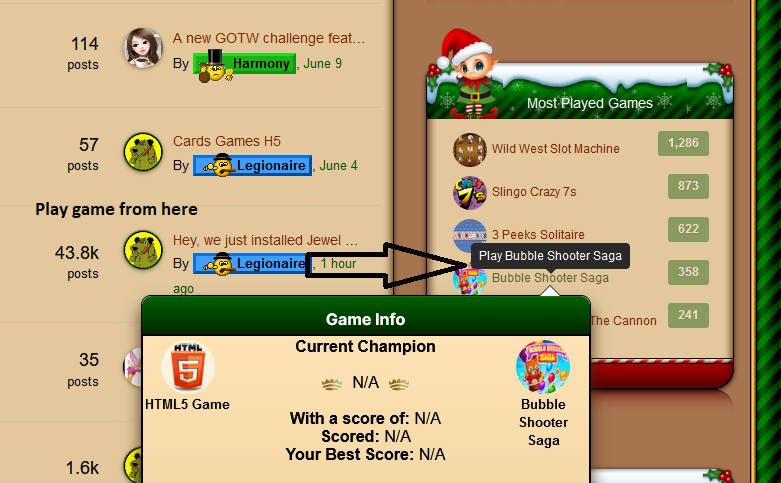
 Ask @Ehlen - he has fix I have no Arcade 1.2.3 and can not ask him (i know he see site for problem)! @Legionaire all skins do work@Legionaire see here and use game play here - not from arcade
 https://ipsproarcade.com/index.php?/forum/60-board-support/
 Legionaire