Every update = losing functions
What is going on?
Widgets (caching) works not (who is on line , recently browsing, who read topic...and more - https://invisioncommunity.com/forums/topic/462791-4651-whosonline-widget-didnt-work/?do=findComment&comment=2864972
Profile filds (bug) in last update 4.6.6 -
https://invisioncommunity.com/forums/topic/463151-bug-profile-fields/?do=findComment&comment=2865020
Post count and topic count - only short variant - and that is not correct - people must buy plugin for something what we had before and was correct - https://invisioncommunity.com/forums/topic/461804-post-count-reduced-to-short-form-in-topics/?do=findComment&comment=2865037
Theme differences (not correct too) - https://invisioncommunity.com/forums/topic/463145-theme-differences-tool-this-site/
Do not understand but think that they need good developer after bfaber and some others finished working to IPS.
Money money -
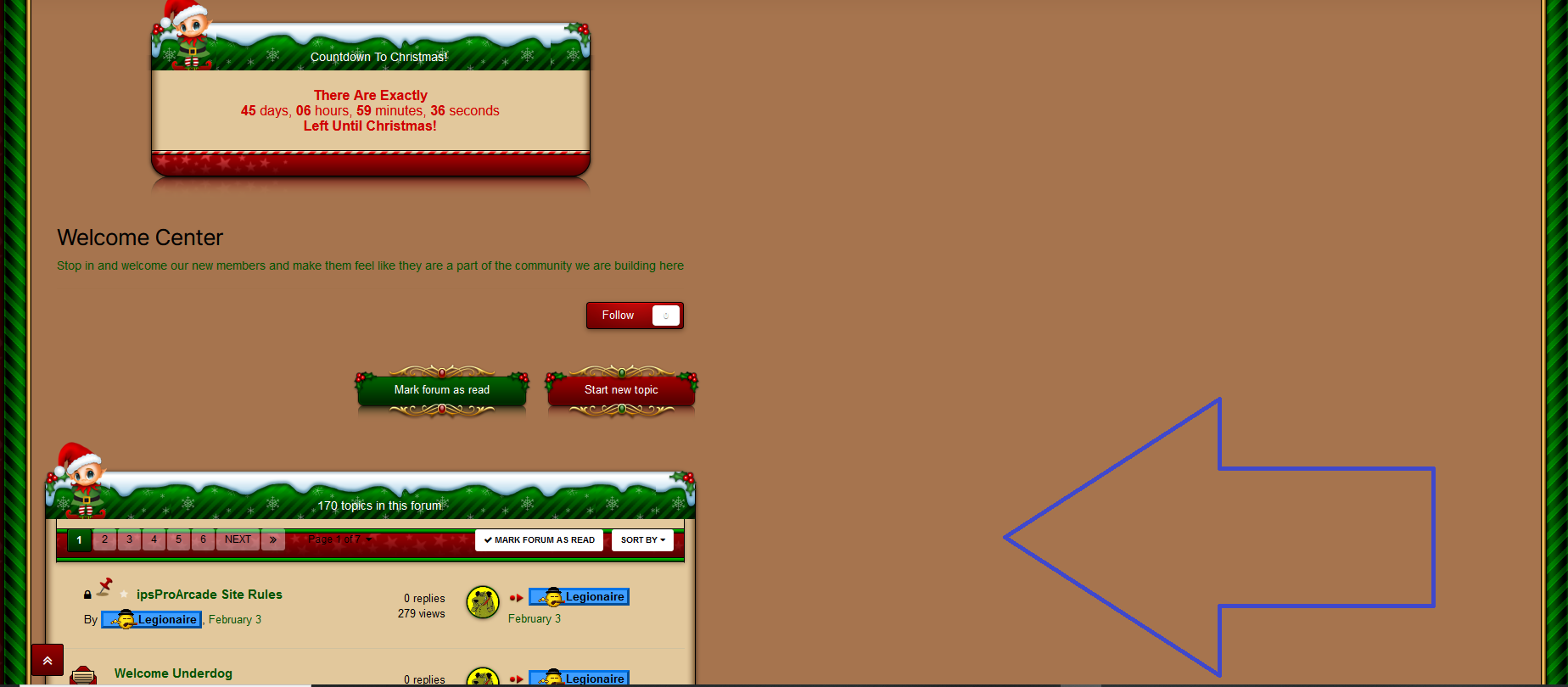
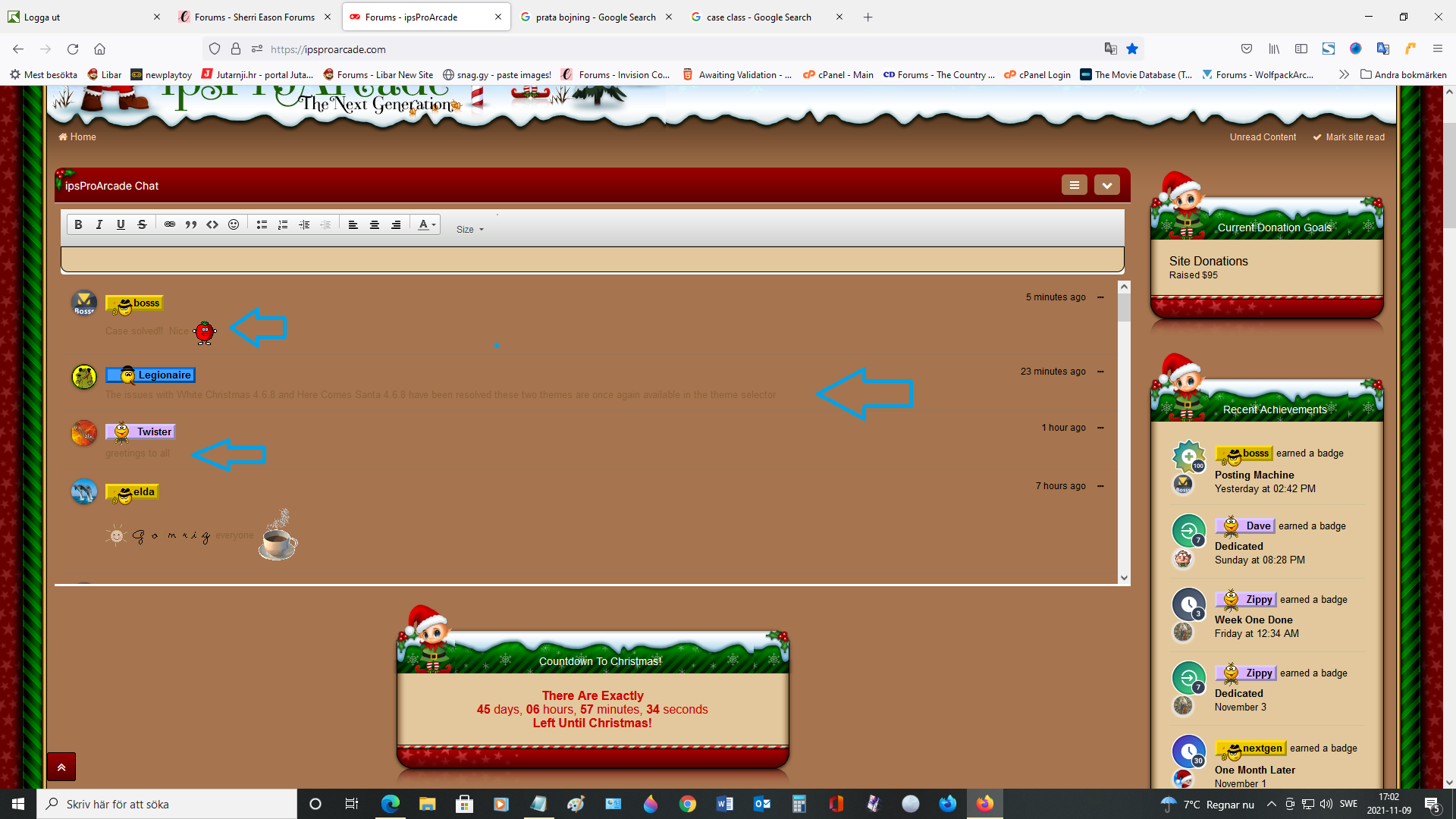
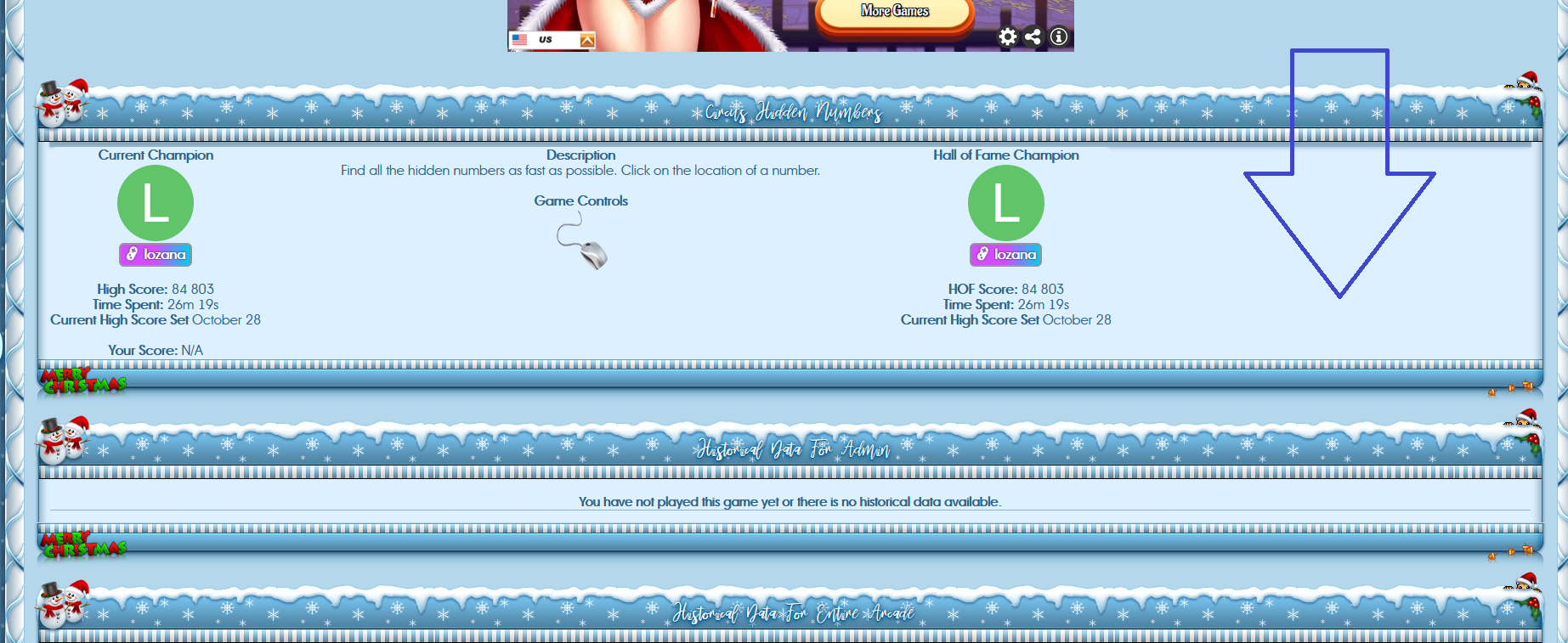
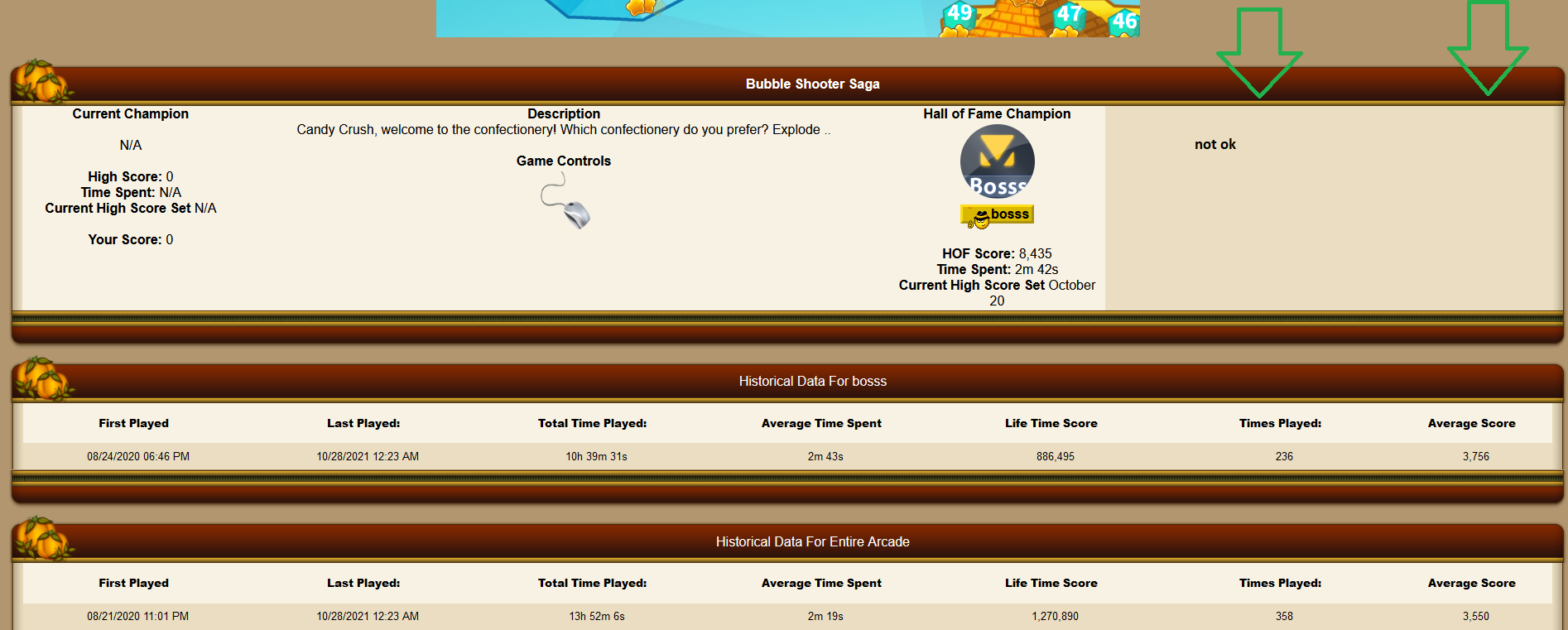
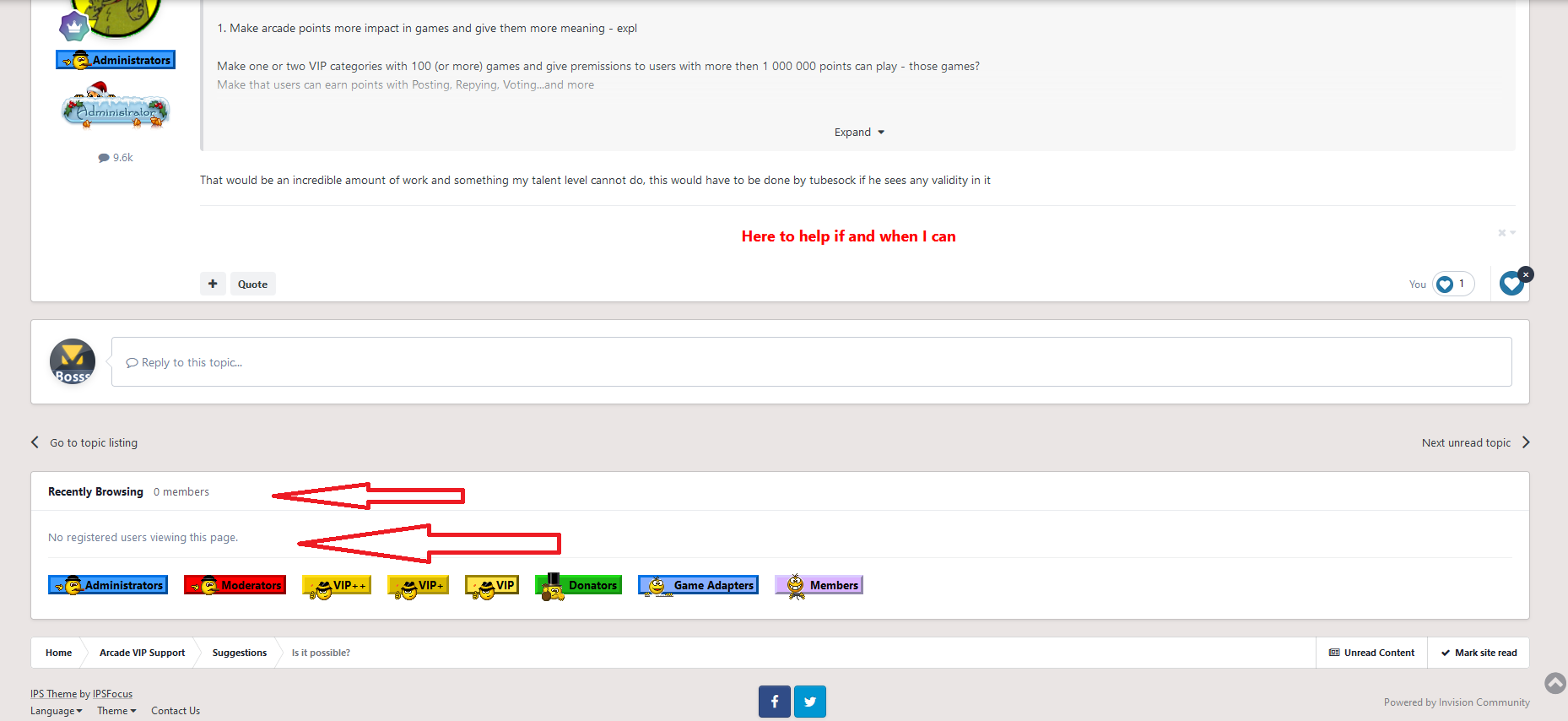
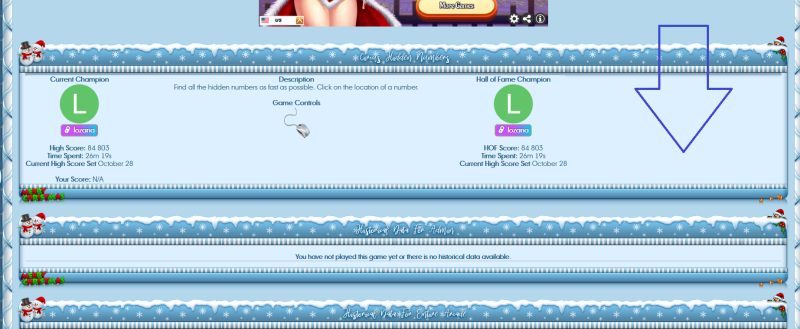
Can someone explain why those block works not? Same here and same on my site and IPS site? Made ticket for 7 days before but still no answer.
See picture



 VIP+
VIP+
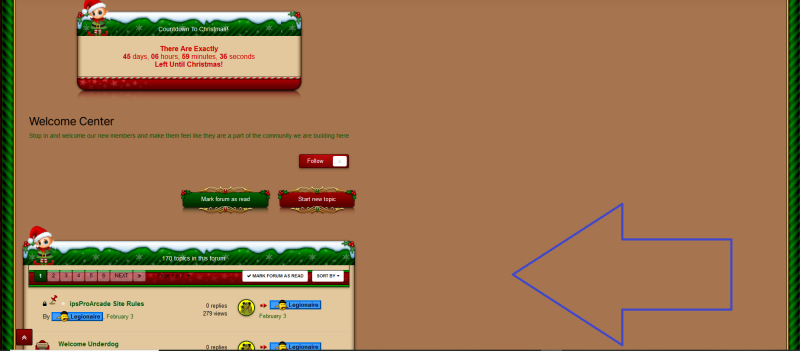
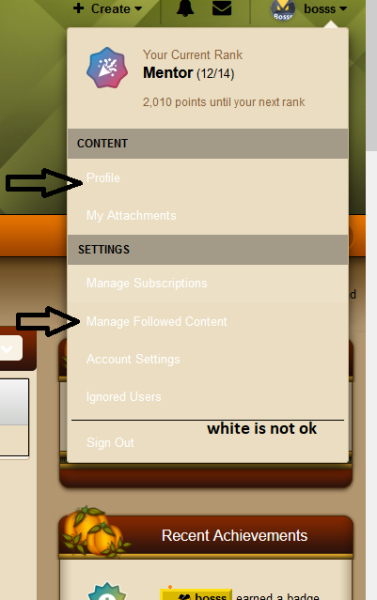
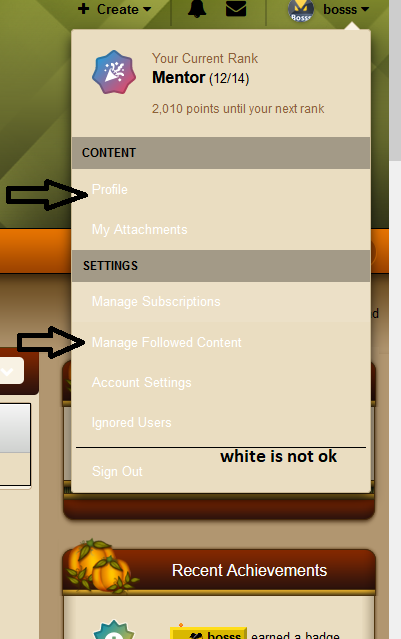
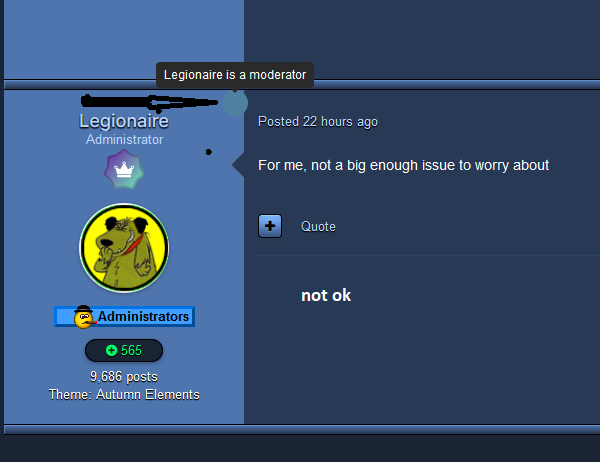 All new Theme have moderator not fine - see Twilight 4.6.8 Autumn Elemen 4.6.8 White Ch. is fine
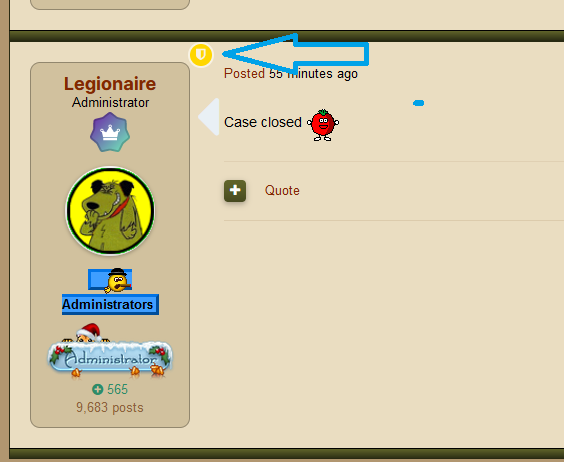 @Legionaire have White Ch. sill problem - some fix?
 You can use my name - now is same before Now is ok - my mistakeSame problem here and on my site with White Ch. Have Your some fix?Please no her ....Please to old - https://www.oldlibar.com/ips to new https://www.oldlibar.website/ ThanksMyBB have arcade - never tested - https://community.mybb.com/thread-167727.html?highlight=arcade And it is free like MybbNever used Pages and i think that will be Goodbye to IPSNo - Pages is not need for Arcade. Just Core and forums. Maybe someone @tubesock @Legionaire will make arcade for xenforoCheck new renewal prices https://invisioncommunity.com/forums/topic/461833-hump-day-a-refresh-is-coming/?do=findComment&comment=2865296Every update = losing functions What is going on? Widgets (caching) works not (who is on line , recently browsing, who read topic...and more - https://invisioncommunity.com/forums/topic/462791-4651-whosonline-widget-didnt-work/?do=findComment&comment=2864972 Profile filds (bug) in last update 4.6.6 - https://invisioncommunity.com/forums/topic/463151-bug-profile-fields/?do=findComment&comment=2865020 Post count and topic count - only short variant - and that is not correct - people must buy plugin for something what we had before and was correct - https://invisioncommunity.com/forums/topic/461804-post-count-reduced-to-short-form-in-topics/?do=findComment&comment=2865037 Theme differences (not correct too) - https://invisioncommunity.com/forums/topic/463145-theme-differences-tool-this-site/ Do not understand but think that they need good developer after bfaber and some others finished working to IPS. Money money -Got answer today No comment! Can start watch events with IPS clowns!Yes - seems cache problem is now big problem ...but we have Achievements, Badges, Healt Club and many other clowns improvementsCan someone explain why those block works not? Same here and same on my site and IPS site? Made ticket for 7 days before but still no answer. See picture
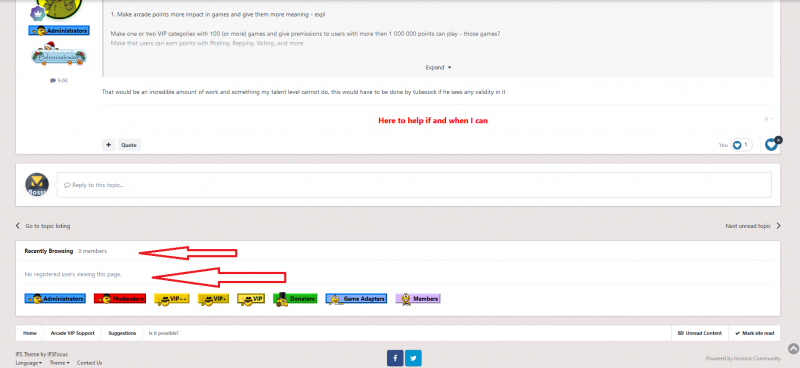 Same with recently browsing widget - shows nothing!