
bosss
 VIP+
VIP+
-
Joined
-
Last visited
Everything posted by bosss
-
-
@Ronald I have this game and try download from my site and upload direct from CP - not with FTP client and test!
-
Like i see still problems with 4.5 - and 4.5.1 (Beta1, 2 , 3) - and personally do not like 4.5
-
Still very slow when playing games
-
Will just ask - how many will update soon or maybe already upadated your sities with IPS 4.5? I will wait maybe to 4.5.1 or 4.5.2.
-
Thanks for info and good luck!
-
I post here before 2 hours - but where is my post ?
-
Must say that is not possible to play games - so slow and do not know why -
-
Yesterday evening and now could not access site! (just loading...loading)
-
When i submited two topics (posts) here it takes 2-3 minutes to submit posts - "saving...saving ..."
-
So sorry to hear that, my condolences to You and family!
-
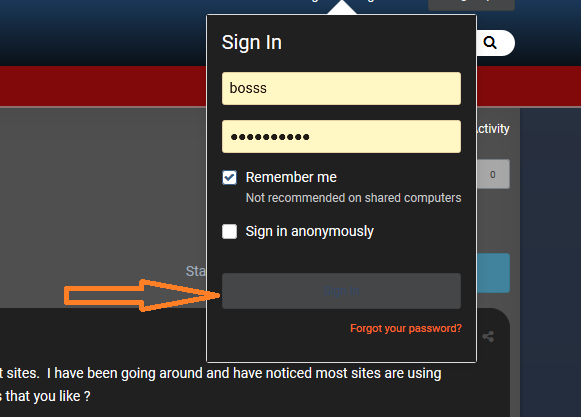
You can disable copyright in footer under themes tools and much more take a look on picture -same if you want send private message - button submit - text problem.
-
Multipur dark master has problem with buttons (text) ! Otherwise nice theme. Sherri's theme should not recommend for anybody! Nice theme is [Dark / Light] Fluent Design Theme Edition 2.4.3.1 - with a lot possibilities and very fast for gaming. Take a look on my site (you are admin).
-
Thanks - will update!
-
If you would like to be included in our list then please Pm me your Banner , URL and a short description about your site. You can take a look here - https://www.oldlibar.com/ipb/index.php?/partners/ bosss
-
-
-
-
Yes and those rules are for application automated rules what is paid app. Trophies and Medals is much easier to work with (my opinion).
-
I think that you must have automated rules or make some, should not work with arcade, tested before and was a lot of work. Can rekomended Trophys and medals - trophyies are automated.
-
When i inspected link in Most Played Games - get this <a data-ipshover="" data-ipshover-target="https://ipsproarcade.com/index.php?arcade/gameinfo/2998-3-peeks-solitaire" href="https://ipsproarcade.com/index.php?arcade/playgame/2998-3-peeks-solitaire" data-ipstooltip="" id="ips_uid_2054_7" _title="Play 3 Peeks Solitaire">3 Peeks Solitaire [753]</a> and that is wrong
-
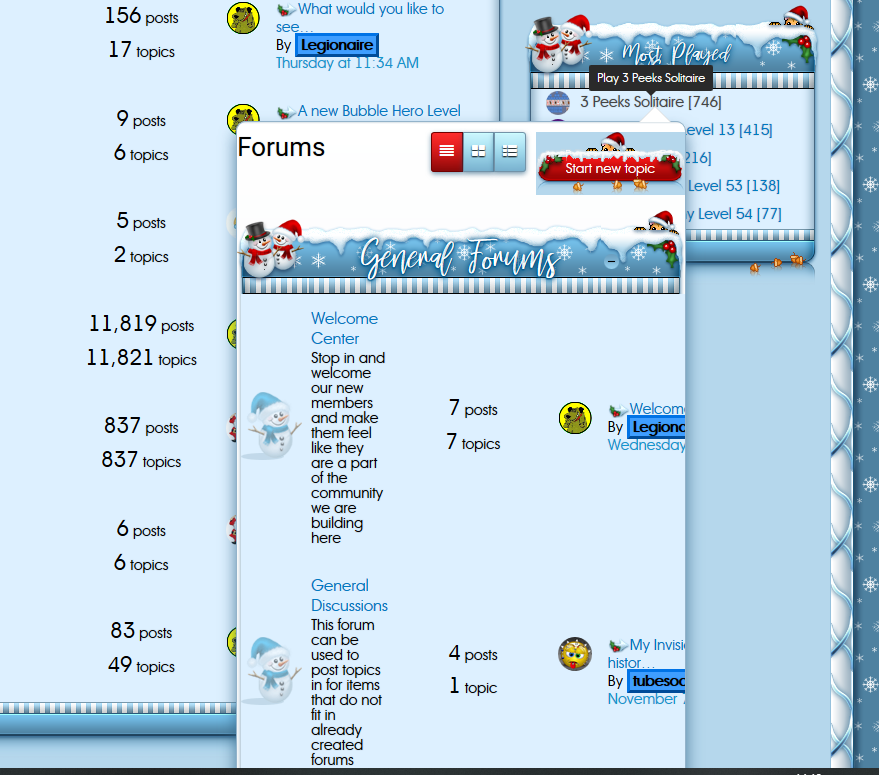
Still have same problem with this block and wrong game info - posted above picture. Refreshed browser and same. Can not play - redirect to forum index - just from that block - Most played games. Another block works fine. Only problem in White Christmas skin!
-
And when move cursor on game - you get this - see picture
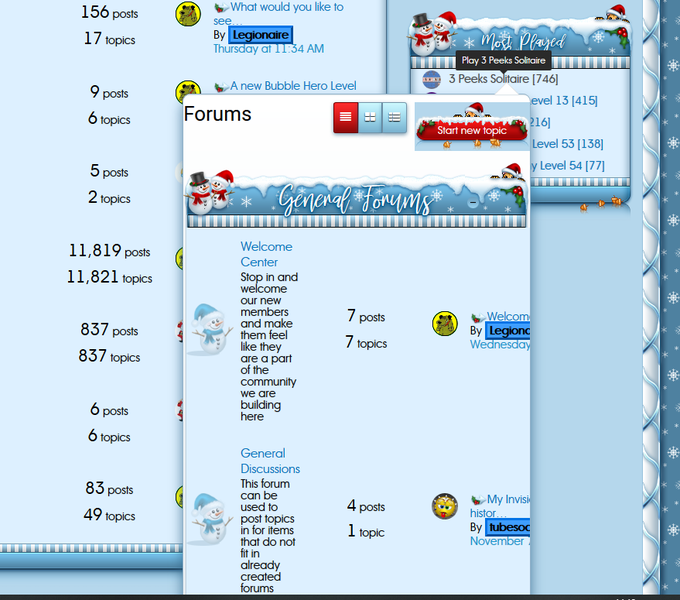
-
On White Christmas skin - tried start game from sidebar block - Most played Games - peek solitarie and was returned on forum index again - on default skin works fine!
-
Just tested and answer is Yes! Tested with French Country and Red Pro and there are fine - playing and score is in center - only White Christmas is not!

 Legionaire