Skip to content
View in the app

A better way to browse. Learn more.

ipsProArcade

A full-screen app on your home screen with push notifications, badges and more.

To install this app on iOS and iPadOS
  1. Tap the Share icon in Safari
  2. Scroll the menu and tap Add to Home Screen.
  3. Tap Add in the top-right corner.
To install this app on Android
  1. Tap the 3-dot menu (⋮) in the top-right corner of the browser.
  2. Tap Add to Home screen or Install app.
  3. Confirm by tapping Install.

drew

Donators
  • Joined

  1. drew changed their profile photo
  2. wow u one smart cookie ..x
  3. skinny legs lol
  4. im in shock lol i really did have a quiet life lol
  5. are u in amongst all that?
  6. drew replied to drew's topic in Remember When ?
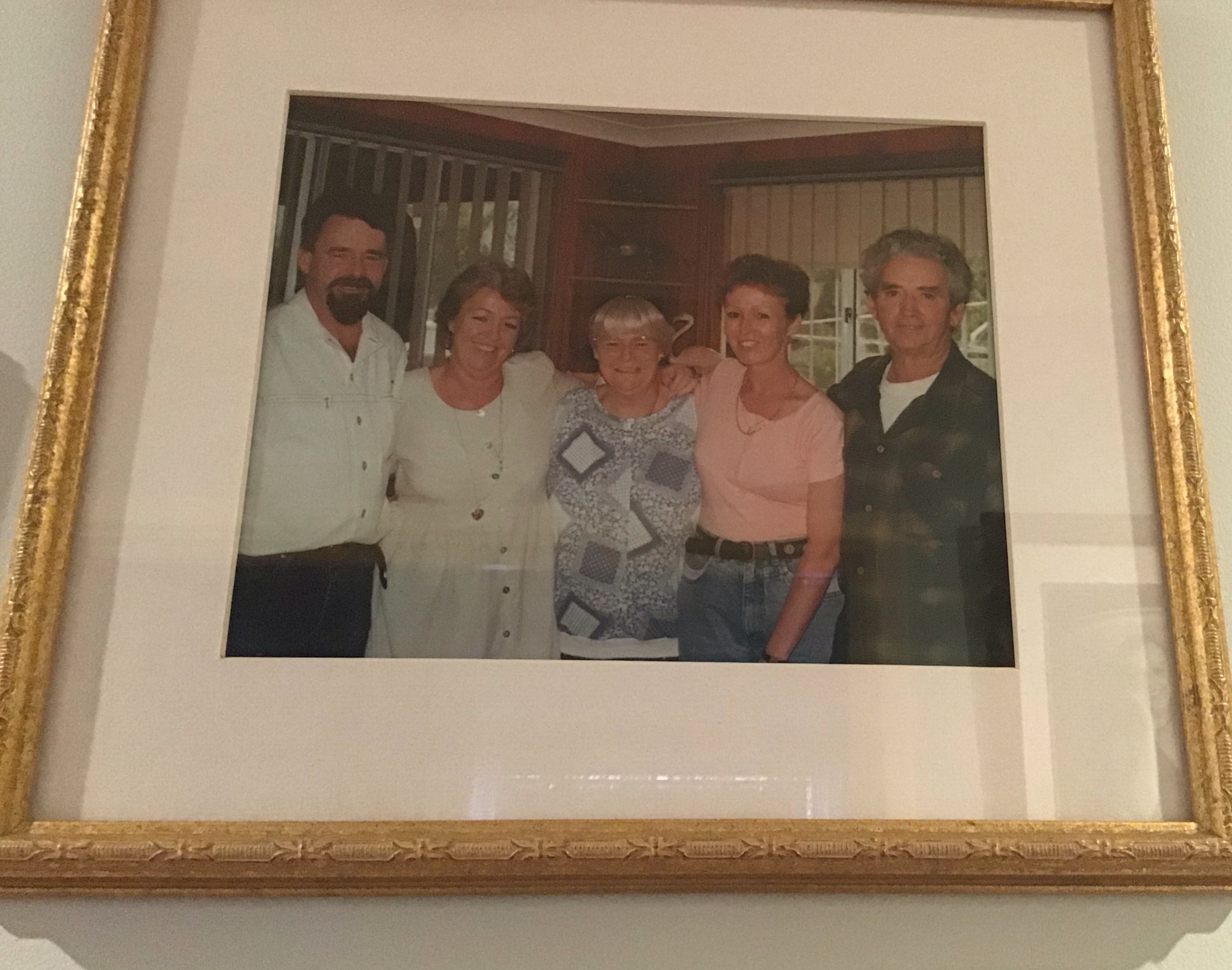
    years later the family
  7. drew replied to drew's topic in Remember When ?
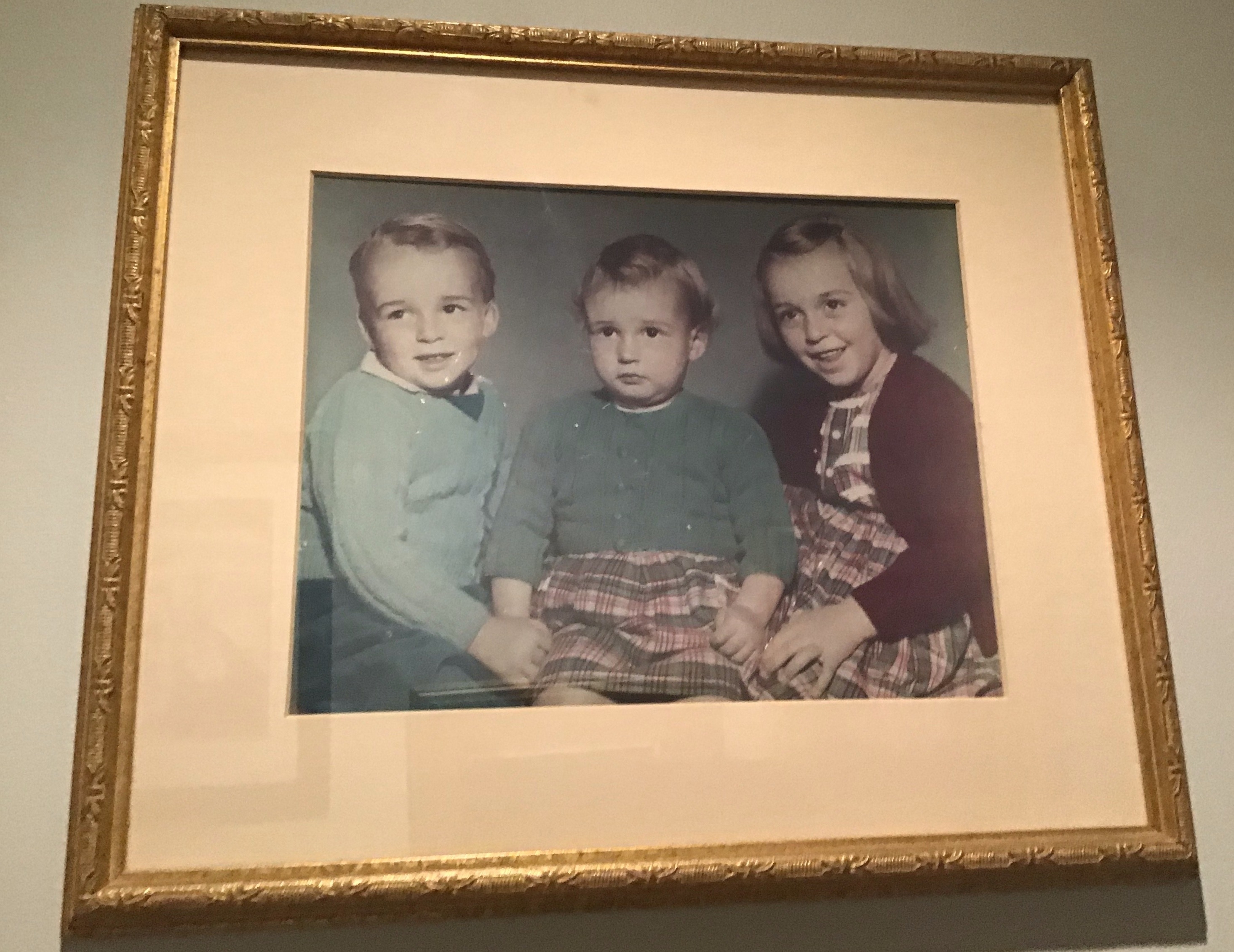
    us. 3 children
  8. drew replied to drew's topic in Remember When ?
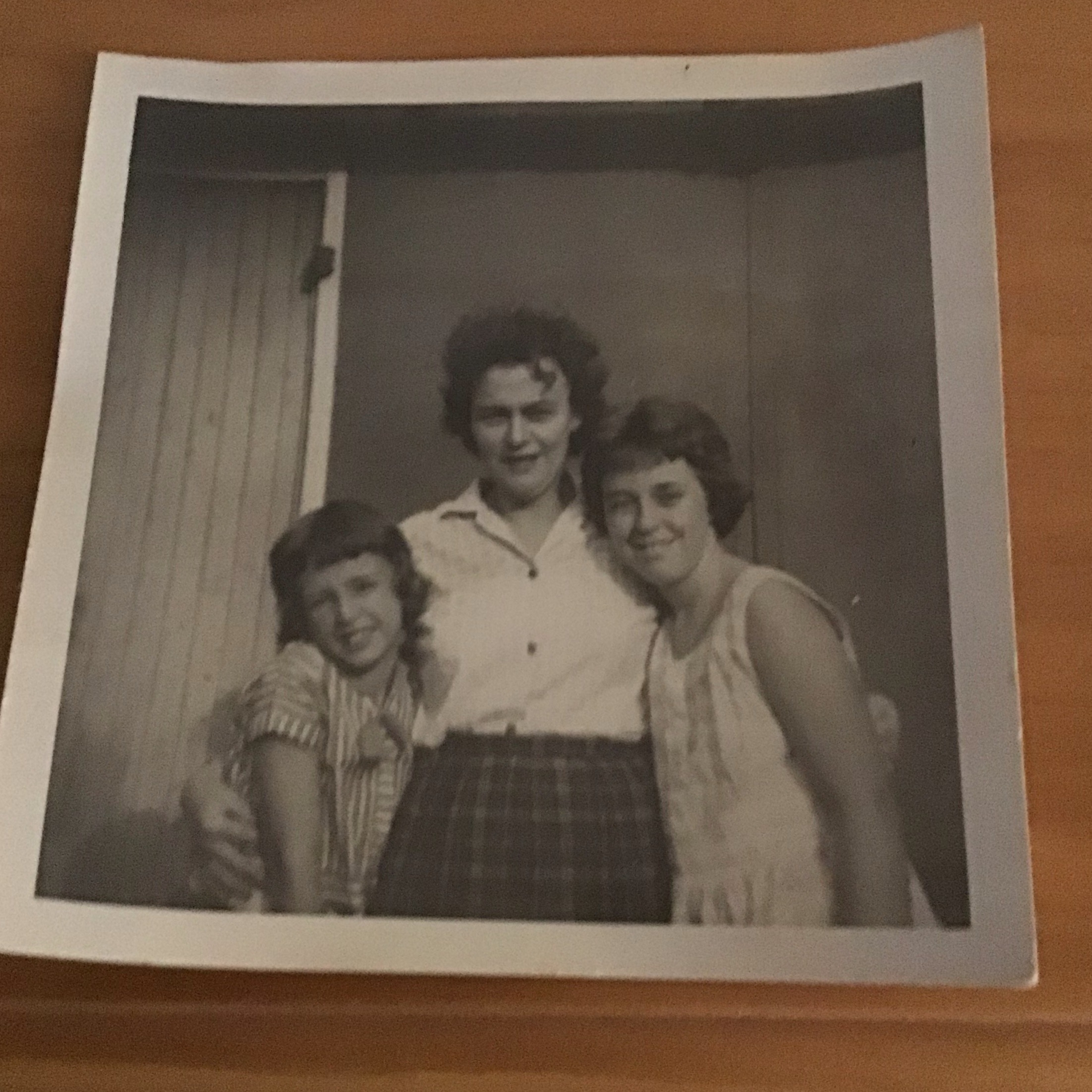
    mum and myself and sister
  9. drew replied to drew's topic in Remember When ?
  10. drew replied to drew's topic in Remember When ?
    i tried to upload but did not work
  11. drew posted a topic in Remember When ?
    IMG_0738.HEIC7 IMG_0738.HEIC
  12. drew replied to drew's topic in Board Support
    thank u seems to be working now .. i always play on chrome.
  13. drew replied to drew's topic in Board Support
    https://ipsproarcade.com/index.php?/ipsproarcade/highscores/3064-{?}/ still not working
  14. drew replied to drew's topic in Board Support
    will try them all again .
  15. drew replied to drew's topic in Board Support
    i can get a submit if they are a lower score not a higher score
  16. drew replied to drew's topic in Board Support
    https://ipsproarcade.com/ipsproarcade/playgame/3074-{%3F}/ thats just a few of them

Loading crossword puzzle. One moment please.

Account

Navigation

Search

Search

Configure browser push notifications

Chrome (Android)
  1. Tap the lock icon next to the address bar.
  2. Tap Permissions → Notifications.
  3. Adjust your preference.
Chrome (Desktop)
  1. Click the padlock icon in the address bar.
  2. Select Site settings.
  3. Find Notifications and adjust your preference.