Skip to content
View in the app

A better way to browse. Learn more.

ipsProArcade

A full-screen app on your home screen with push notifications, badges and more.

To install this app on iOS and iPadOS
  1. Tap the Share icon in Safari
  2. Scroll the menu and tap Add to Home Screen.
  3. Tap Add in the top-right corner.
To install this app on Android
  1. Tap the 3-dot menu (⋮) in the top-right corner of the browser.
  2. Tap Add to Home screen or Install app.
  3. Confirm by tapping Install.

JeremyStCyr

Members
  • Joined

  • Last visited

Everything posted by JeremyStCyr

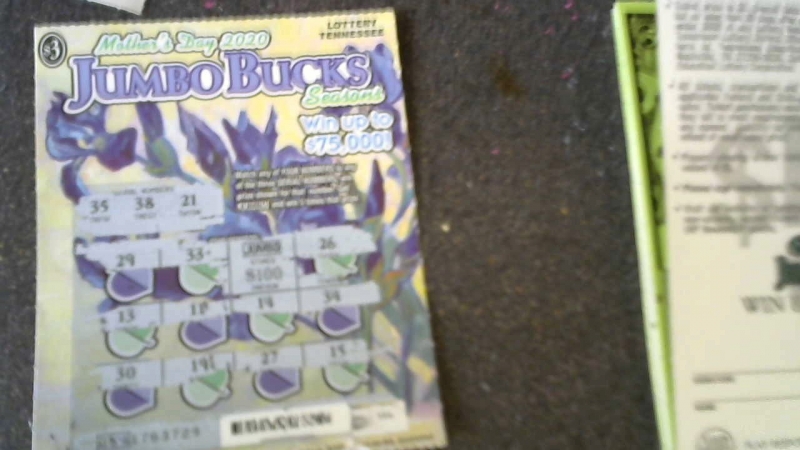
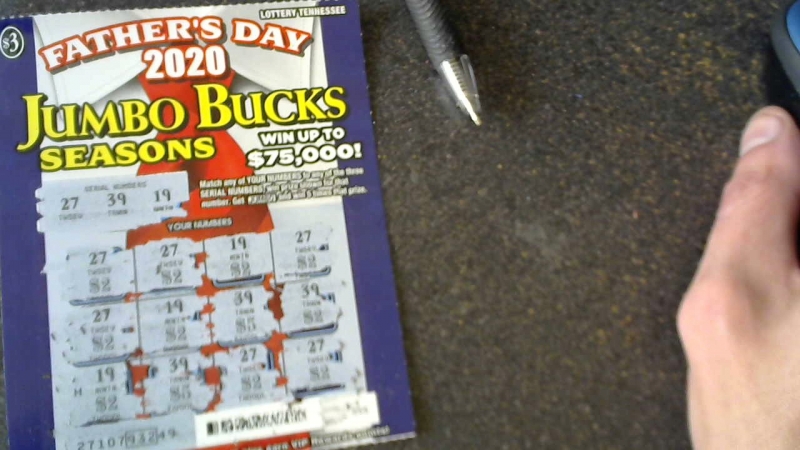
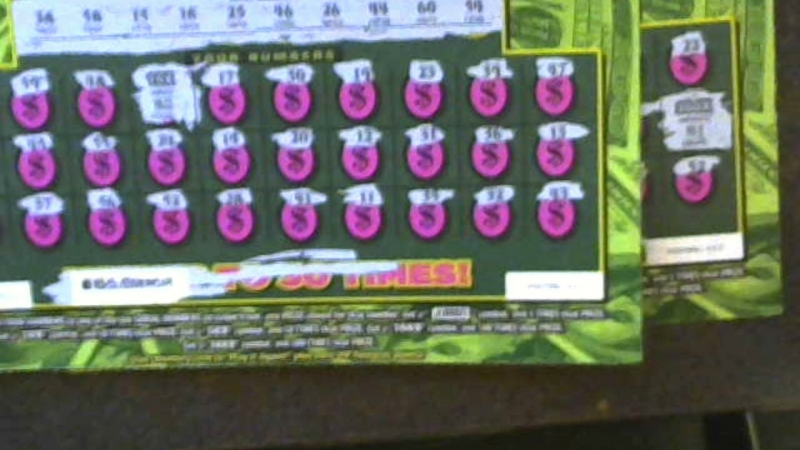
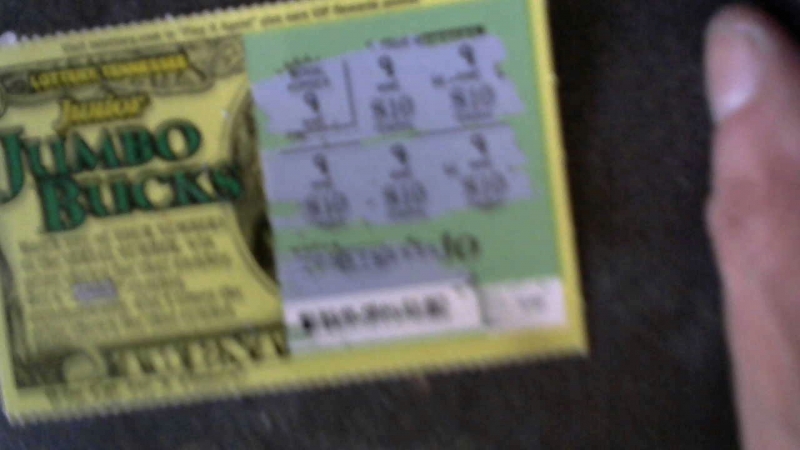
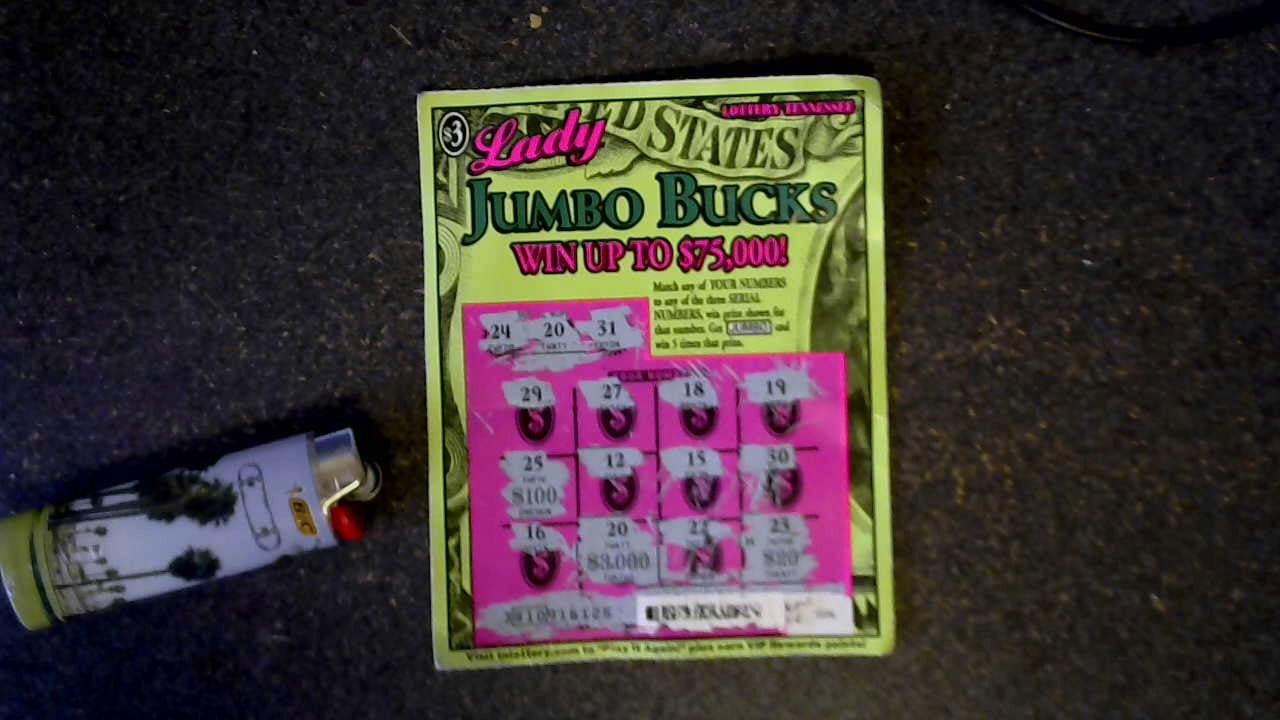
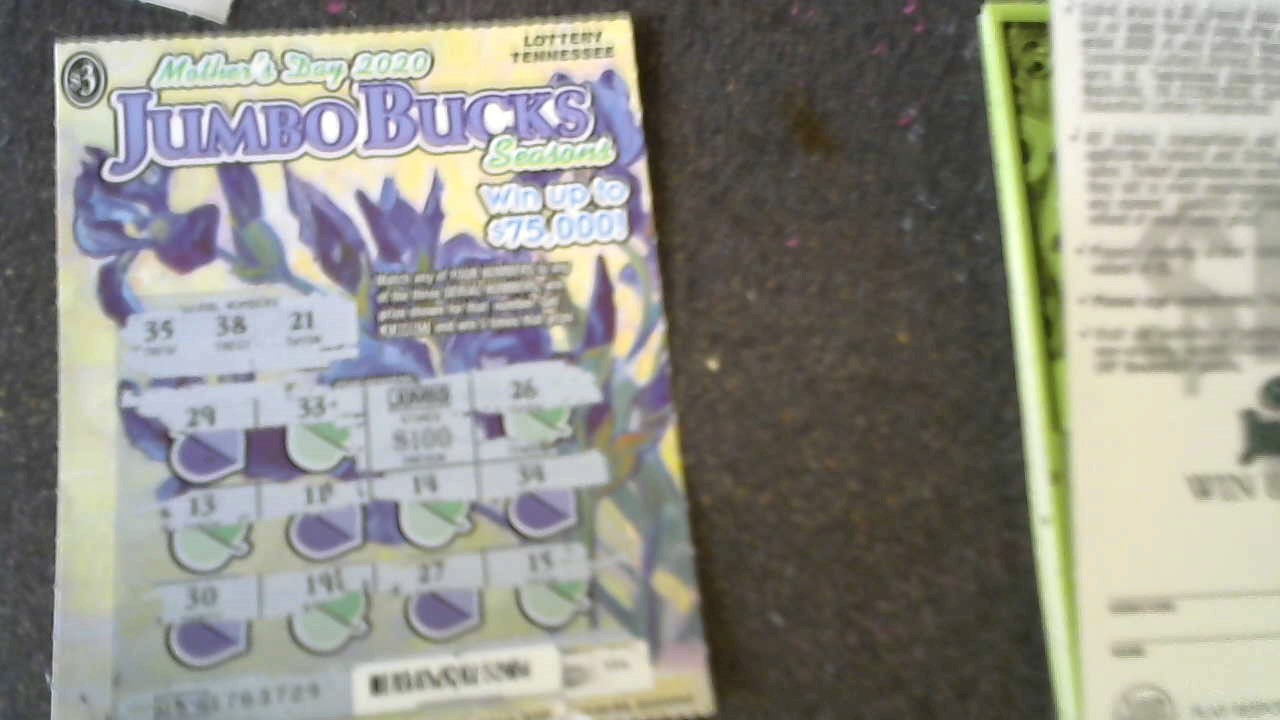
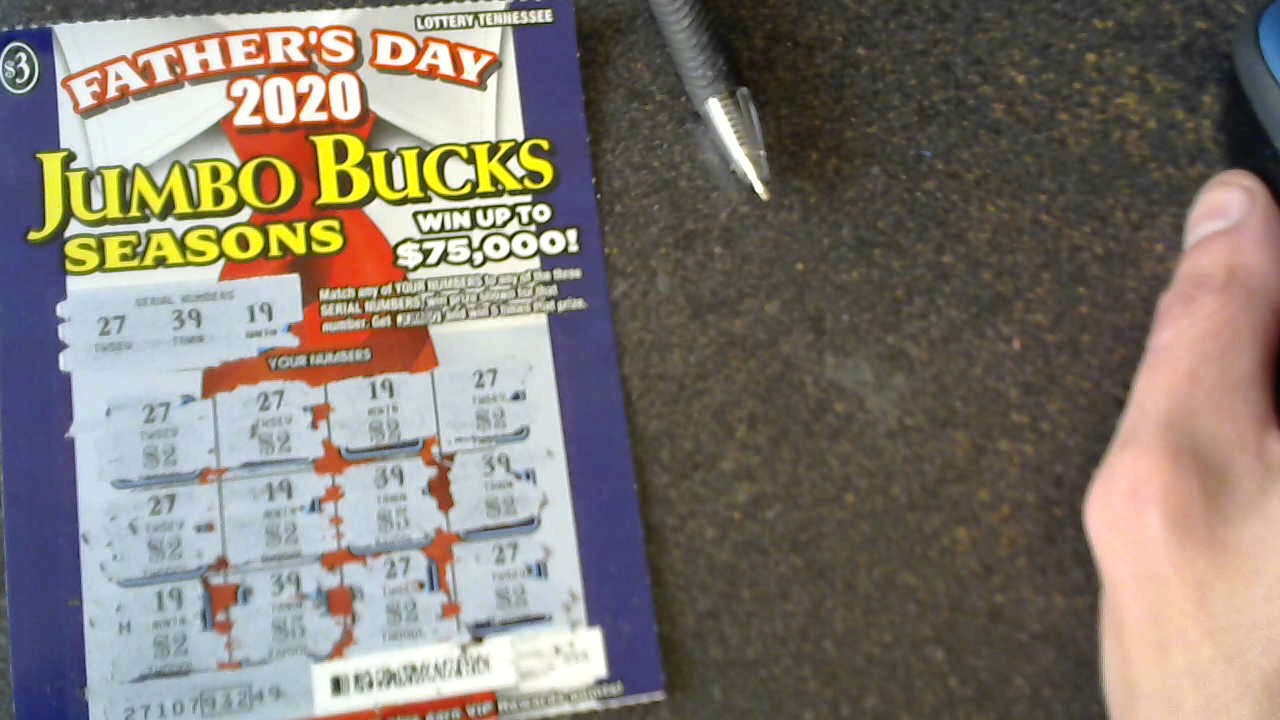
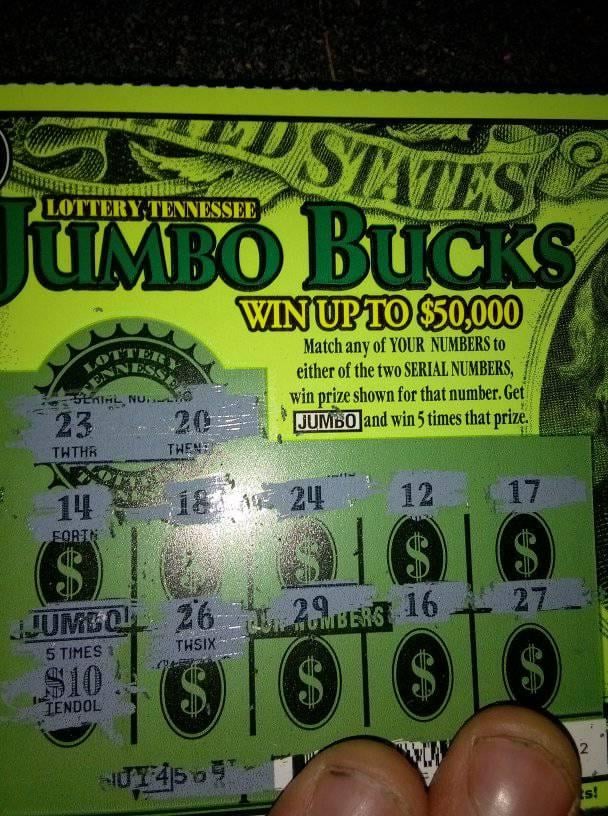
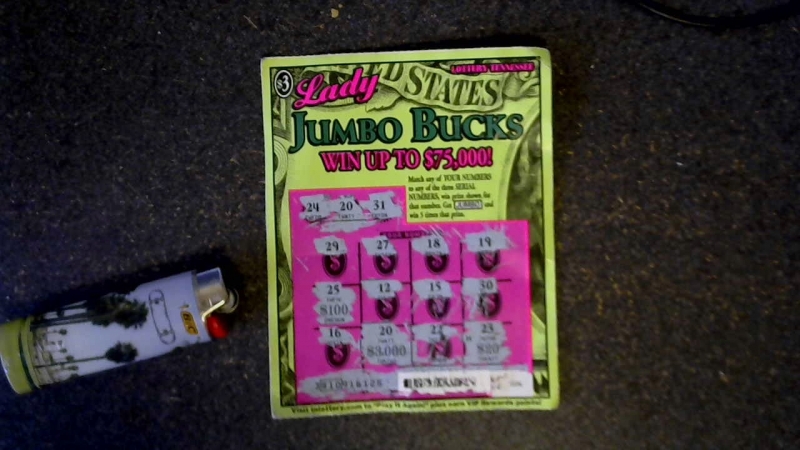
  1. Does anyone here play scratch off tickets? I had a amazing 2020 with scratch off tickets, i have won 3,000.00 twice in 2020 with in 3 months! then i kept on winning 100 dollars 500 dollars and other awesome tickets i am really into scratch offs these days, i sometimes play the powerball as well here in the states sadly no luck here.. but here is some of my good fortune i would like to share. and this is about all i can find to show, feel free to show some of your good fortune below!

Loading crossword puzzle. One moment please.

Account

Navigation

Search

Search

Configure browser push notifications

Chrome (Android)
  1. Tap the lock icon next to the address bar.
  2. Tap Permissions → Notifications.
  3. Adjust your preference.
Chrome (Desktop)
  1. Click the padlock icon in the address bar.
  2. Select Site settings.
  3. Find Notifications and adjust your preference.