

Legionaire
 Admin
Admin
-
Joined
-
Last visited
Everything posted by Legionaire
-
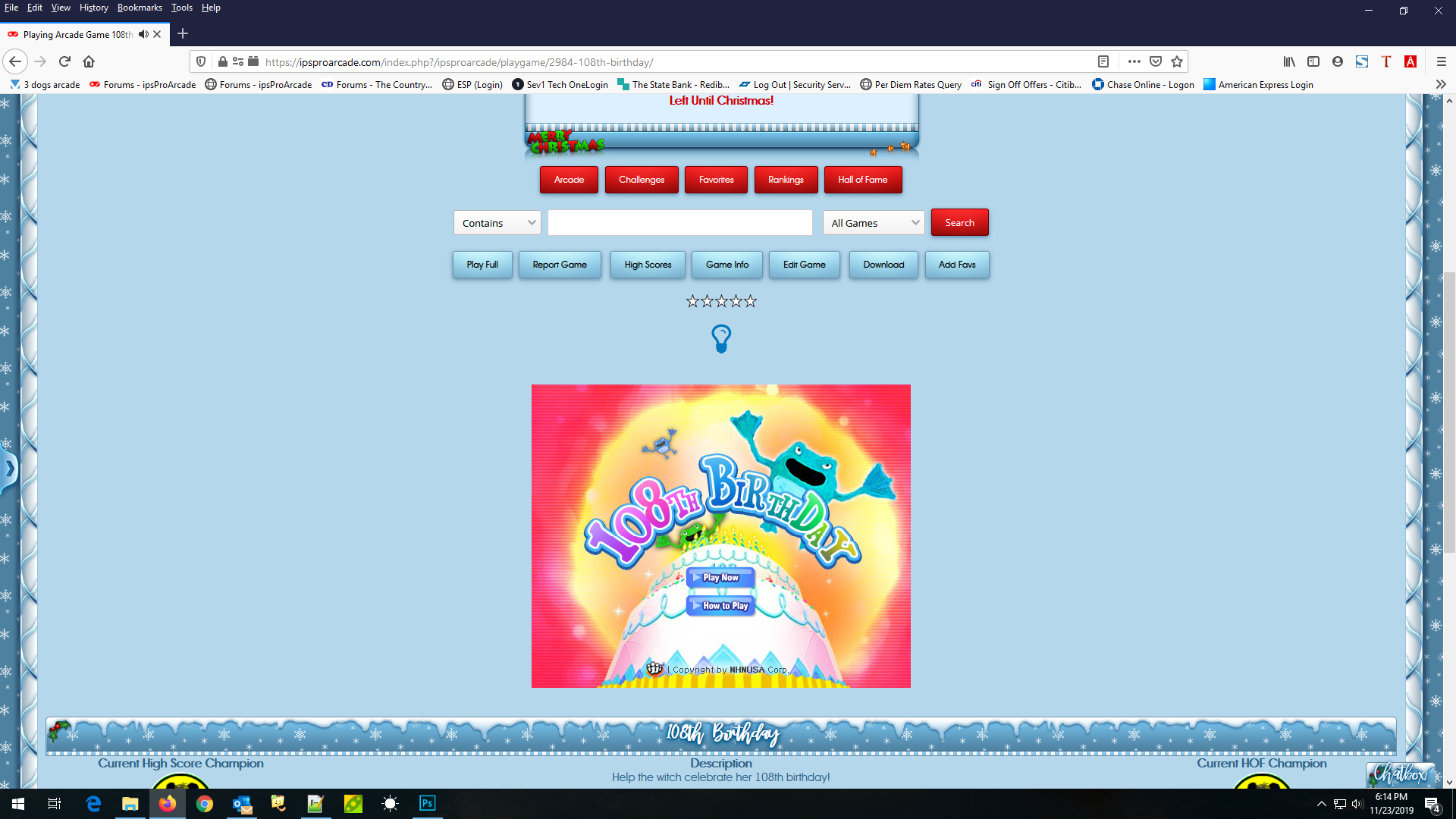
IF I could get users to try the above theme and let me know if, when you are playing a game, if the game screen is centered or shifted to the left
-
Probably cause I forgot to change it back
-
Hello Timberwolf, Welcome to ipsProArcade. Please feel free to browse around and get to know the others. If you have any questions please don't hesitate to ask. Timberwolf joined on 11/28/2019. View Member
-
Thanks Logan I am sure someone will get a kick out of them
-
The game Bubble Academy Level 57 has been selected for this GOTM challenge and will end on 12/26/2019 10:40 PM There will be a maximum Unlimited players for this challenge Each player will have Unlimited attempts to become the challenge winner You can begin this challenge by clicking here Bubble Academy Level 57 This is some information pertaining to the game Shoot colorful bubbles with magical experiences. Take classes at the Academy to learn all about magic bubble shooting and become the best in your class! Good Luck everyone!
-
The game Pet Connect 2 has been selected for this GOTW challenge and will end on 12/03/2019 10:36 PM There will be a maximum Unlimited players for this challenge Each player will have Unlimited attempts to become the challenge winner You can begin this challenge by clicking here Pet Connect 2 This is some information pertaining to the game Use your mouse and try to clear the field before time runs out. Always click 2 identical animals. The connecting line may have a maximum of 2 corners. Use the "HINT" button above or press "h" on your keyboard when you're stuck. Good Luck everyone!
-
Well the good thing is, if the problem, from what I have read on your site, is due to strict mode, tube has built this arcade using strict mode so it should be more in tune with the server you are currently using.
-
The arcade is not in Beta now, it is in the RC stage, but yes you could upgrade your forums now or later either way
-
Hello Neilzebub, Welcome to ipsProArcade. Please feel free to browse around and get to know the others. If you have any questions please don't hesitate to ask. Neilzebub joined on 11/25/2019. View Member
-
Can you try again, I made some changes to this skin this morning, probably after this report. and the other issue of the games not being centered when playing, are you still having that problem ?
-
@bosss Are you still having viewing issues ?
-
Not sure what to tell you, if it worked fine in Chrome it should work in FF, I have the same FF version that you do 70.0.1
-
I have used both FF and Chrome and they look fine in both, games play centered on the screen in both browsers and using layout 2
-
I did use layout 2 and it is fine. try clearing your cache
-
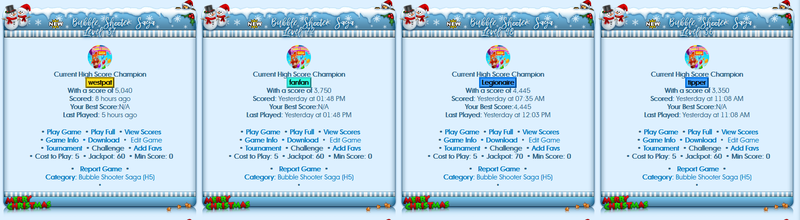
and this is how I see the same theme
 I just tried both ways, email address and display name and was able to log inHello Dave, Welcome to ipsProArcade. Please feel free to browse around and get to know the others. If you have any questions please don't hesitate to ask. Dave joined on 11/20/2019. View MemberHello JohnDer, Welcome to ipsProArcade. Please feel free to browse around and get to know the others. If you have any questions please don't hesitate to ask. JohnDer joined on 11/18/2019. View MemberHello mlachney, Welcome to ipsProArcade. Please feel free to browse around and get to know the others. If you have any questions please don't hesitate to ask. mlachney joined on 11/18/2019. View MemberHello Steph40, Welcome to ipsProArcade. Please feel free to browse around and get to know the others. If you have any questions please don't hesitate to ask. Steph40 joined on the 11/17/2019. View MemberHello Il_picasso, Welcome to ipsProArcade. Please feel free to browse around and get to know the others. If you have any questions please don't hesitate to ask. Il_picasso joined on the 11/16/2019. View MemberHello Mumel, Welcome to ipsProArcade. Please feel free to browse around and get to know the others. If you have any questions please don't hesitate to ask. Mumel joined on the 11/14/2019. View MemberWell one is the arcade which we have control over, the other is IPS and they do not have a setting for the user to change their time format on the board (not one that I have found anyway)The chatbox is the free version so pretty limited on what you can and cannot do with it

 bosss
bosss
 masodo